


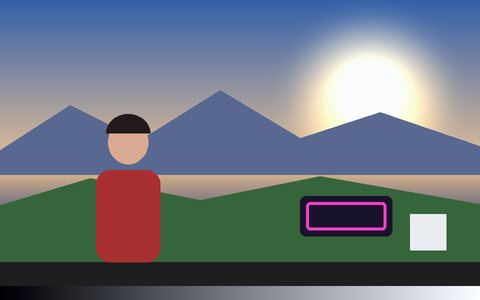
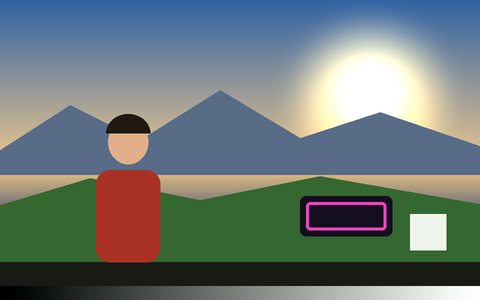
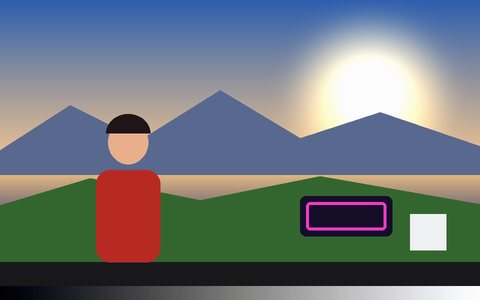
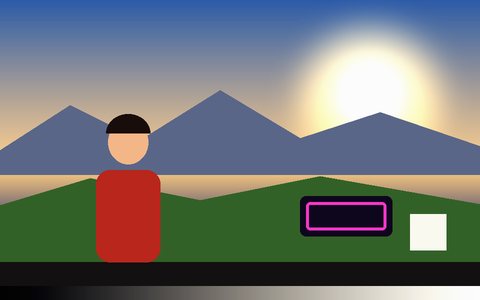
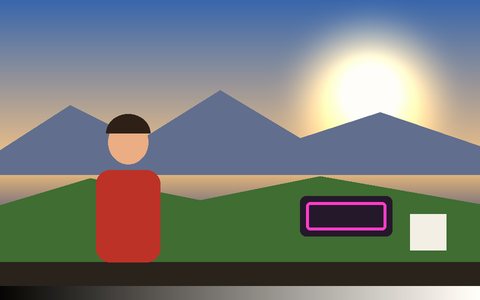

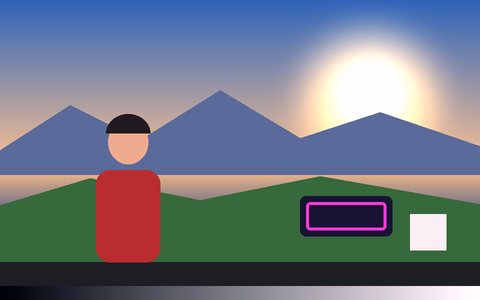

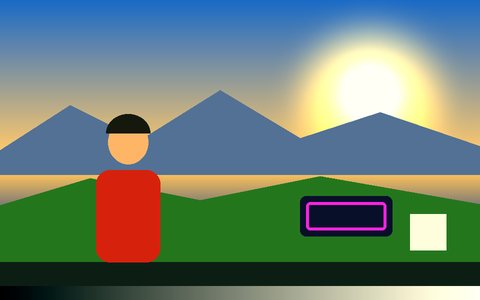
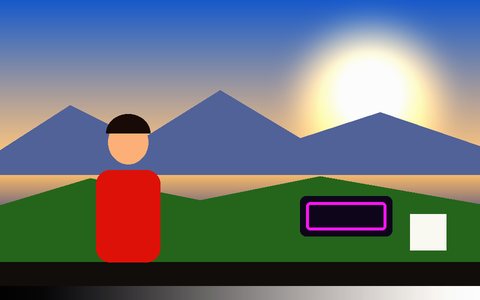
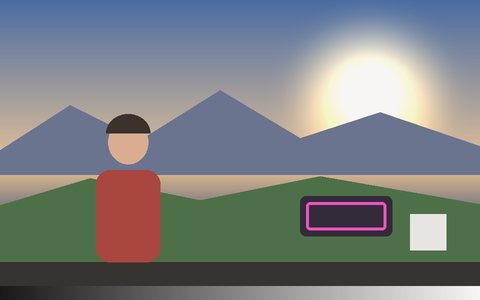
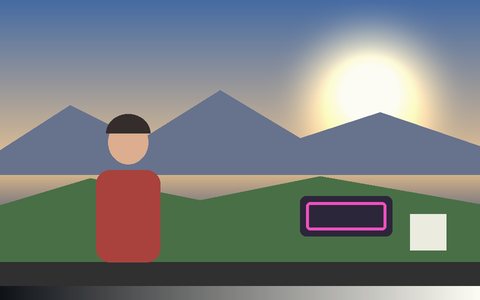

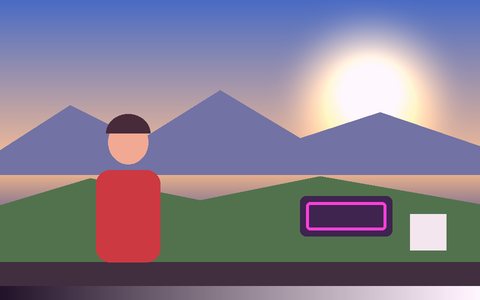
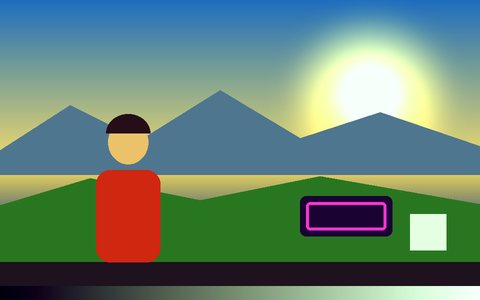
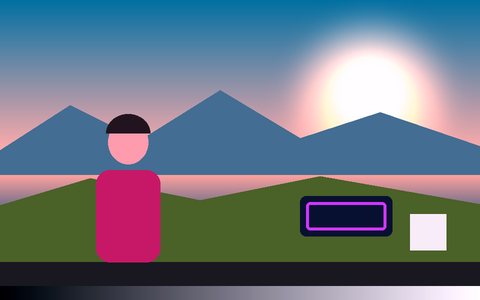
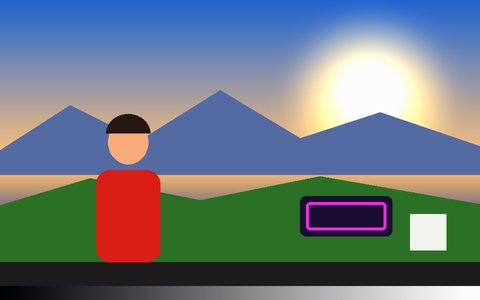
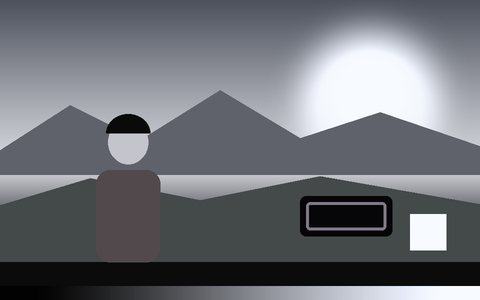
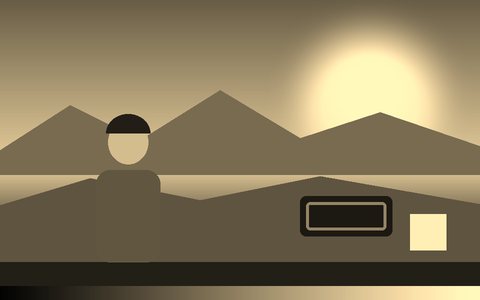
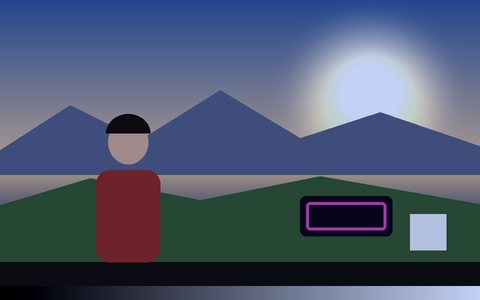
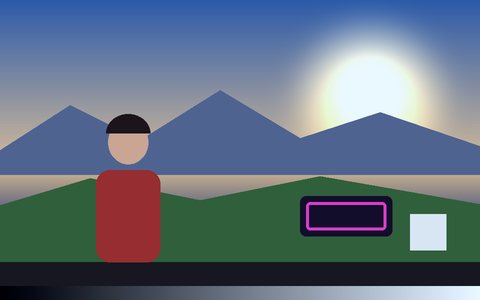
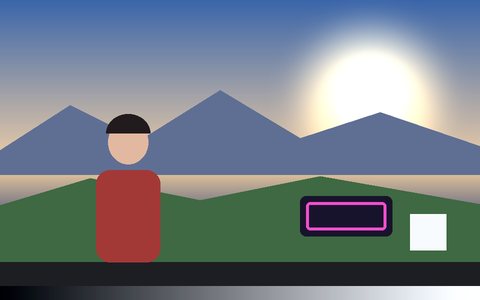
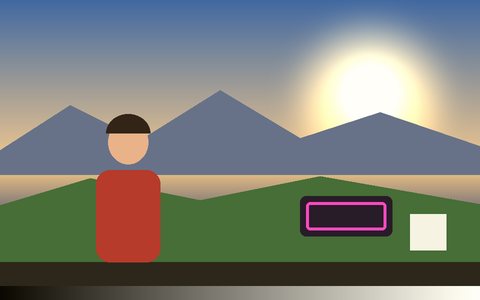
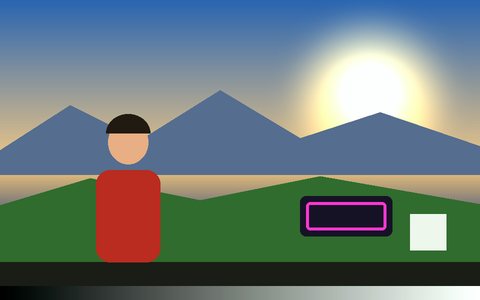
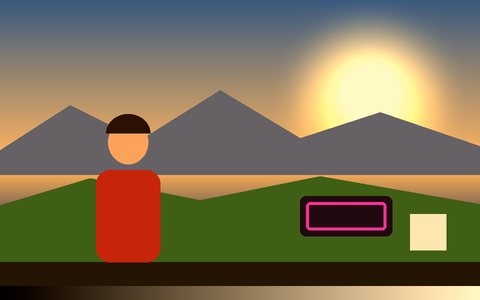
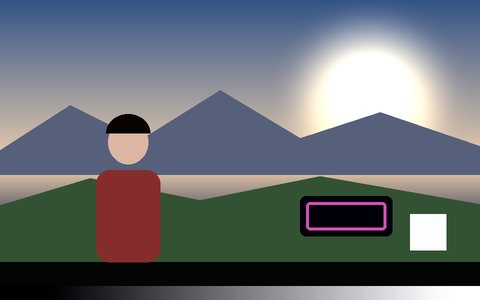
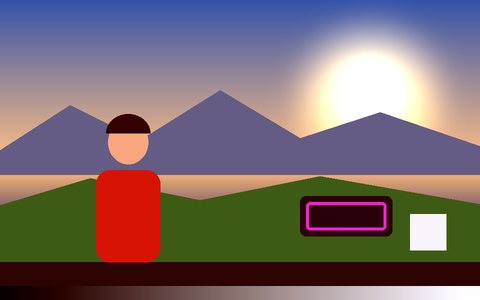
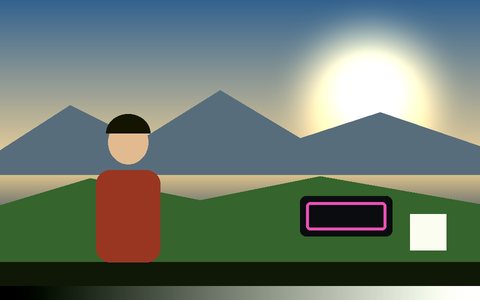
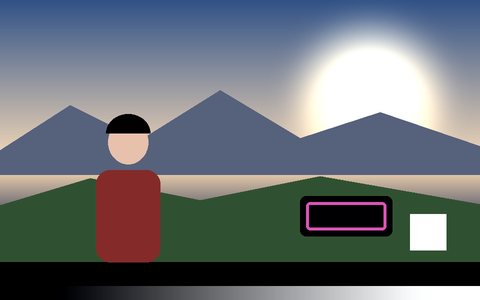
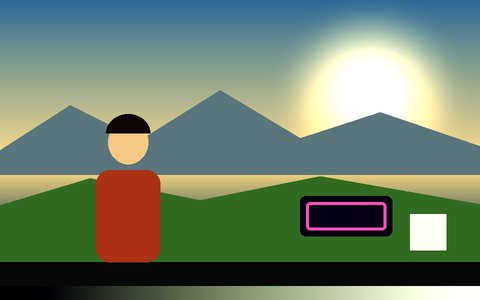
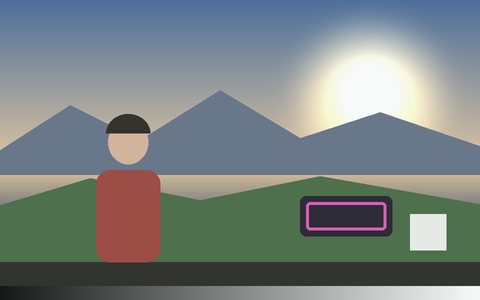
Why Cinematic Color Grading Works Here
33 grades, grouped by look
Film emulation (Portra, CineStill, bleach bypass, Technicolor), modern blockbuster, stylized music-video, time-of-day and horror grades — each a real 3-way grade with its own shadow, midtone and highlight color, not one flat tint.
Import any .cube LUT
Load a 3D or 1D .cube file exported from DaVinci Resolve, Premiere or a LUT pack. It's parsed and applied locally, and never leaves your device.
Lift, Gamma, Gain & Offset
The primary corrector from every grading app: black point, midtones, highlights and a flat offset, each with a master slider plus separate R, G and B balance.
Temperature, tint, saturation, vibrance
Warm or cool the white balance, pull out a green or magenta cast, and push color with vibrance that protects skin tones and already-saturated areas.
Previewed on your own footage
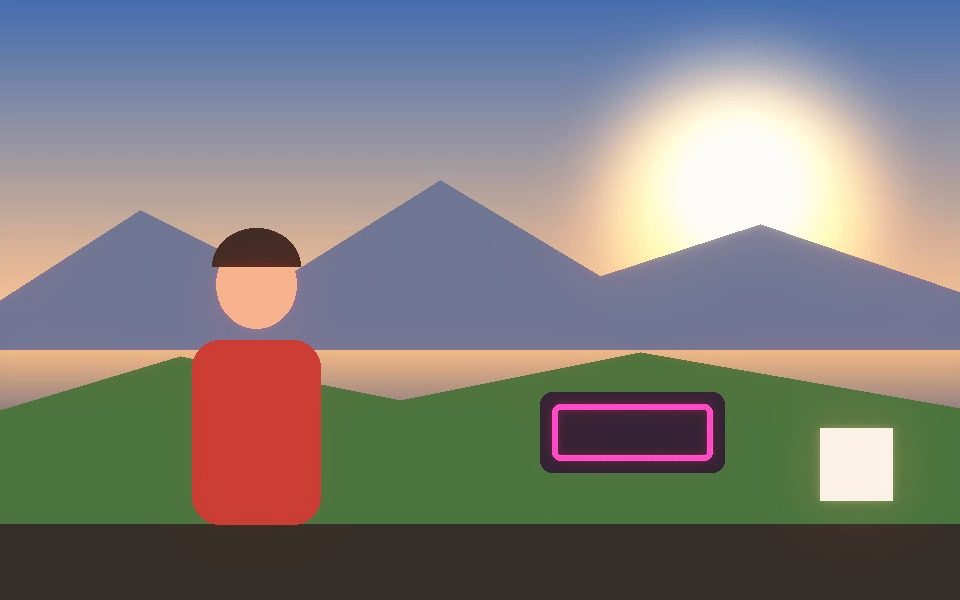
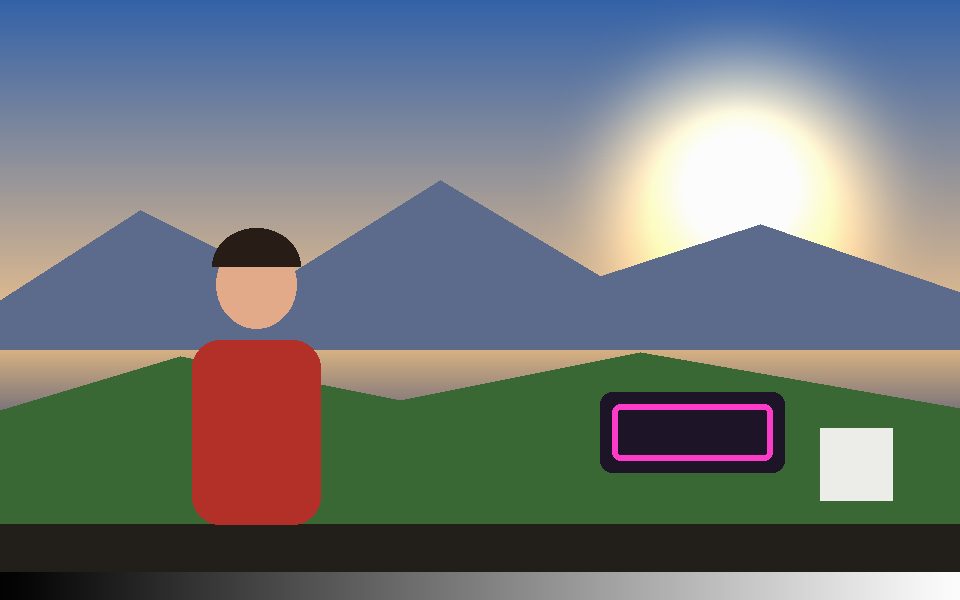
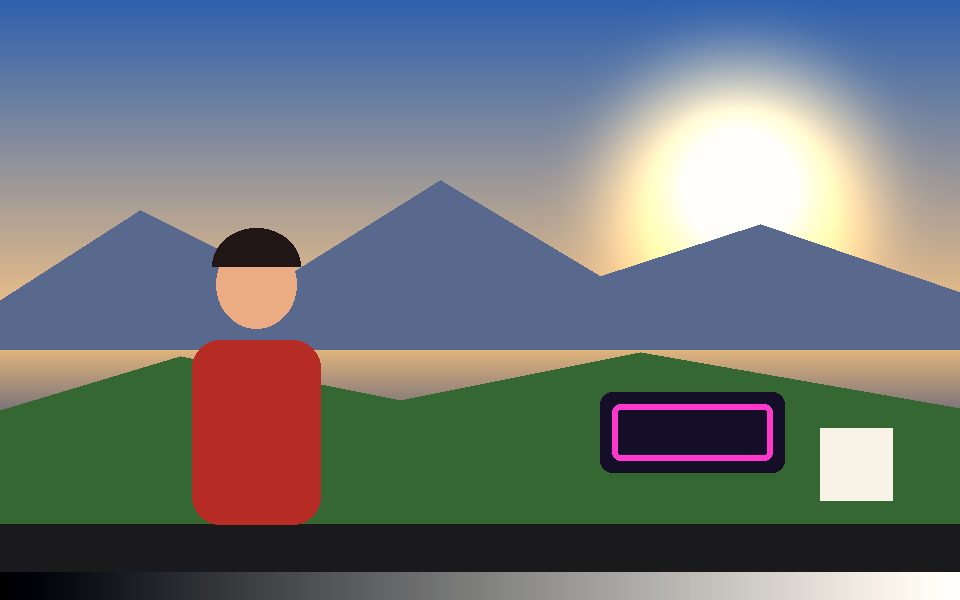
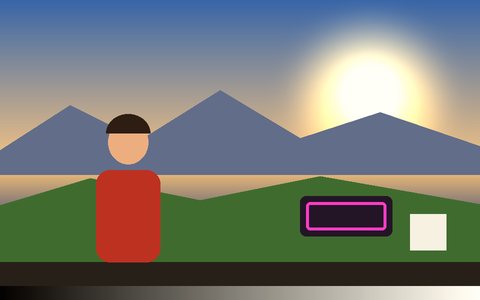
Every LUT thumbnail in the app re-renders from a frame of the video you loaded, so you can see what a look does to your clip before you click it.
Animate the grade over time
Fade a LUT in, warm the image up for the last shot, or hold a grade for one scene only — every grading control can be keyframed.
Frequently Asked Questions
Can I use my own .cube LUT?
Yes — click Import .cube LUT under Cinematic LUT in the Style tab and pick any 3D or 1D .cube file (sizes up to 129³). It appears as its own look with a live thumbnail. Imported LUTs aren't stored between visits, so re-import after a reload.
What is the difference between Lift, Gamma and Gain?
Lift moves the black point and mostly affects shadows, Gamma bends the midtones while leaving pure black and white in place, and Gain scales toward white, mostly affecting highlights. Offset shifts everything equally.
Is the color grade included when I export?
Yes — the grade is part of the rendered frame, so Record (MP4/WebM), screenshots and Render Mode exports all include it exactly as previewed.
Does it work with tracking effects at the same time?
Yes. The grade sits underneath every tracking overlay and Post FX, so you can combine a LUT with neon outlines, pose skeletons, trails or CRT scanlines.
Is it free and private?
Yes — free, no signup, and grading runs entirely in your browser. Your footage and LUT files are never uploaded.