Vis Exo
Vis Exo Live in your browser

The video effects studio that runs in your browser.

Track bodies, faces, hands and motion live, then turn it into art with 35 visual styles, cinematic grades and keyframes. Free, and nothing ever leaves your device.

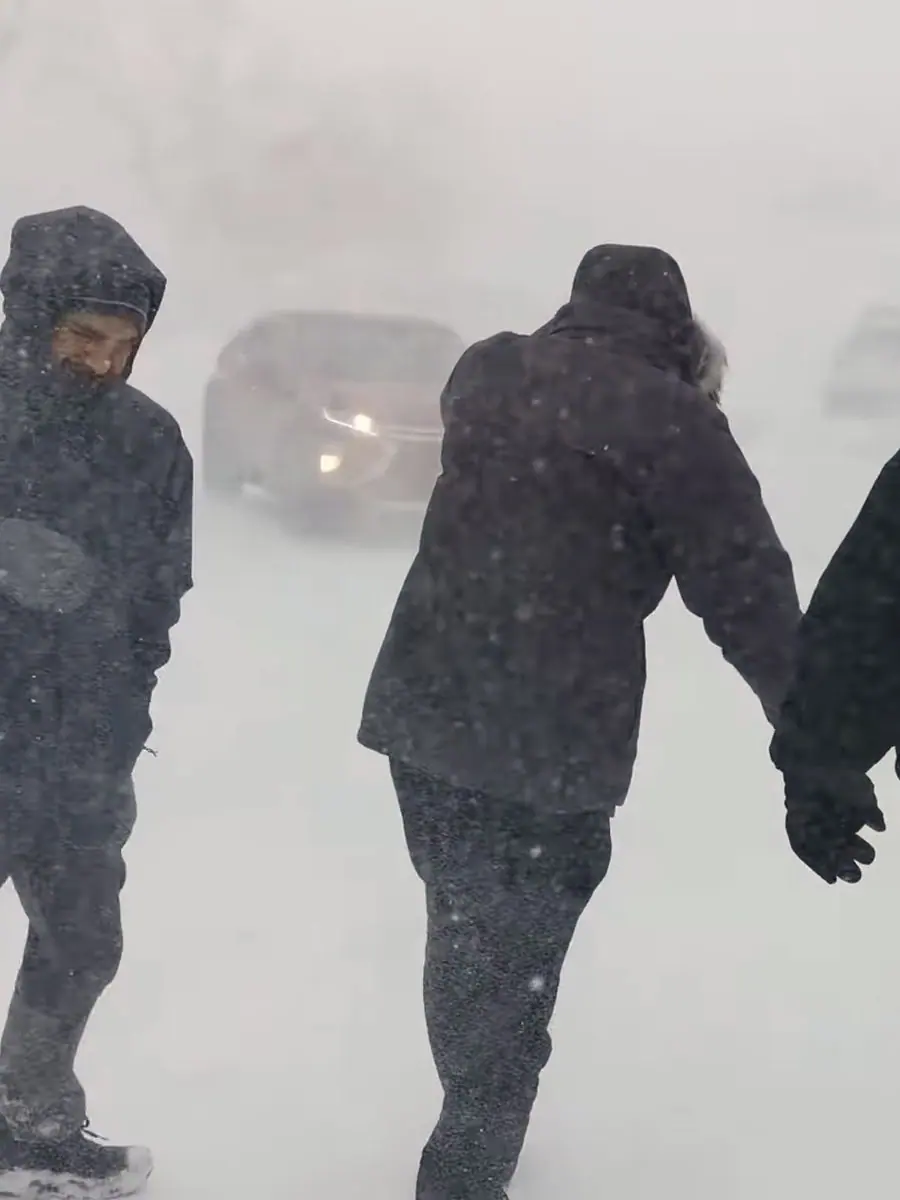
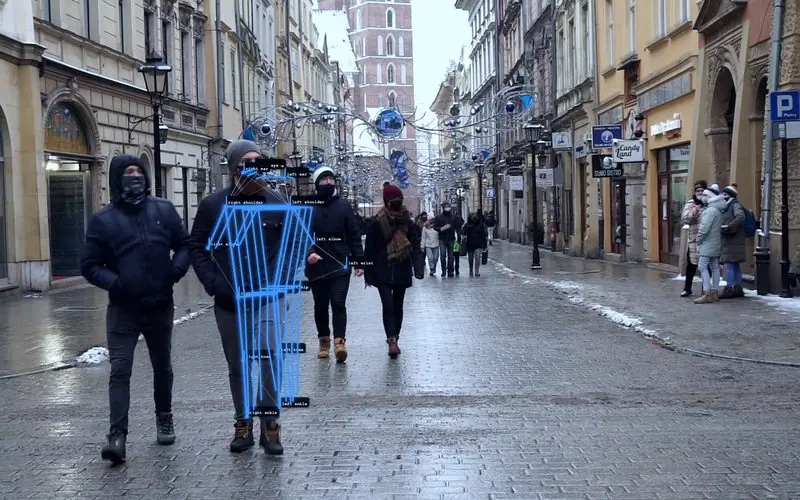
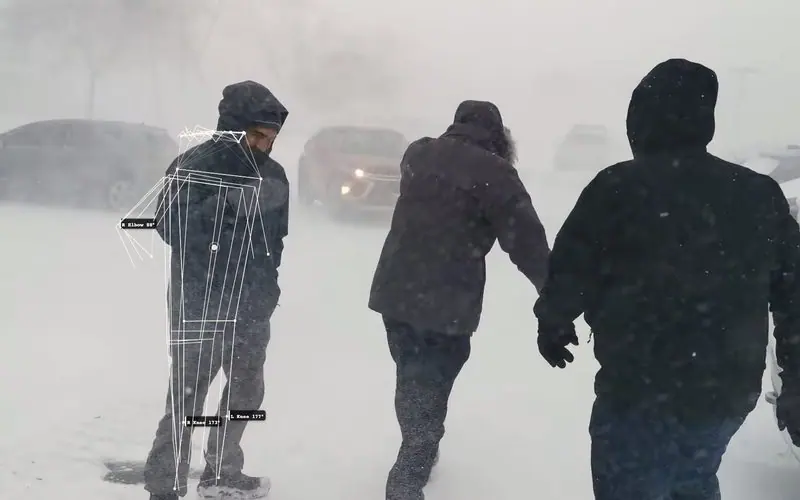
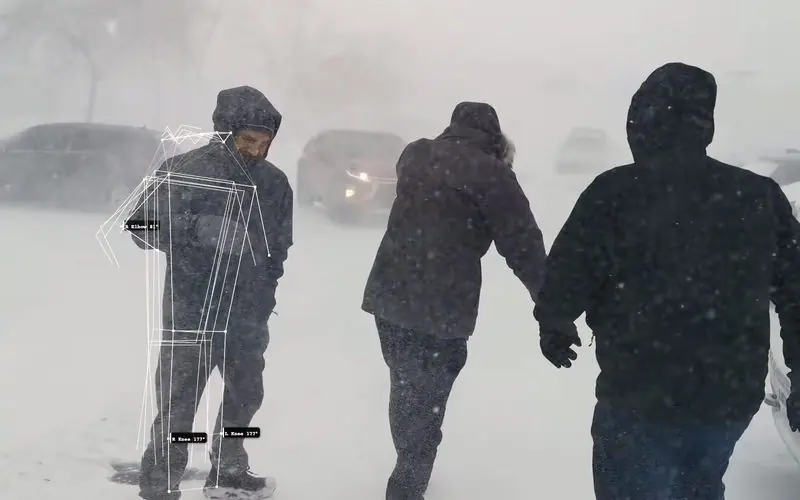
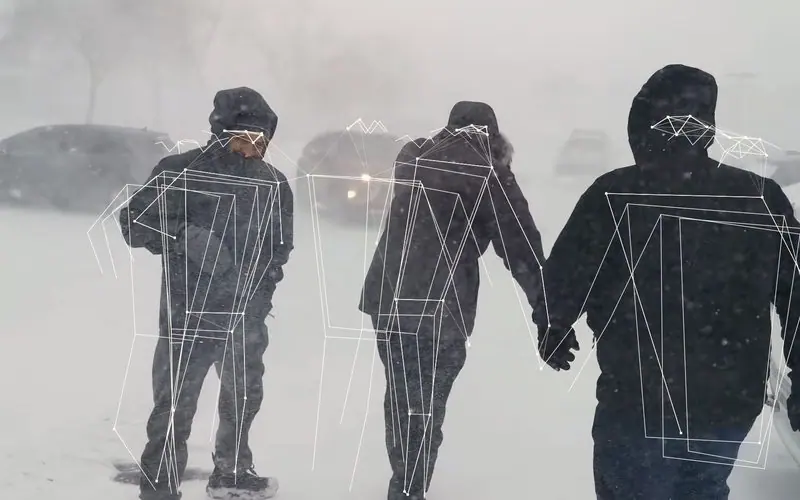
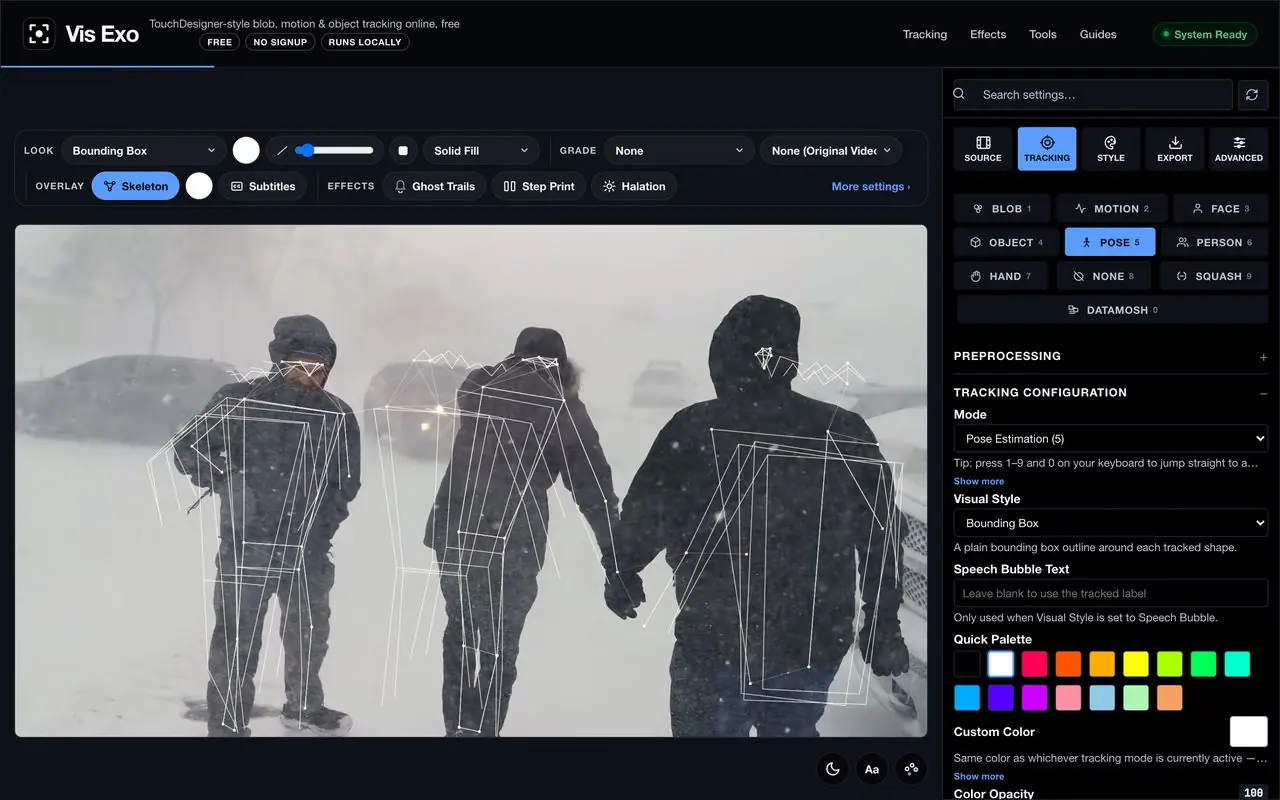
The Vis Exo app tracking three people walking through a snowstorm, each with a pose skeleton
Try a look
13Tracking & effect modes
35Visual styles
80Cinematic LUTs
33Editor transitions
136Title fonts
123Sound effects
$0Free · runs on your device
Examples

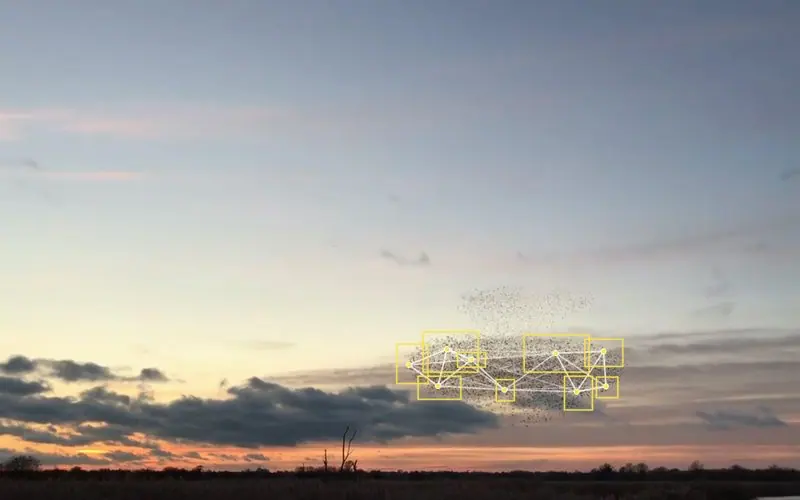
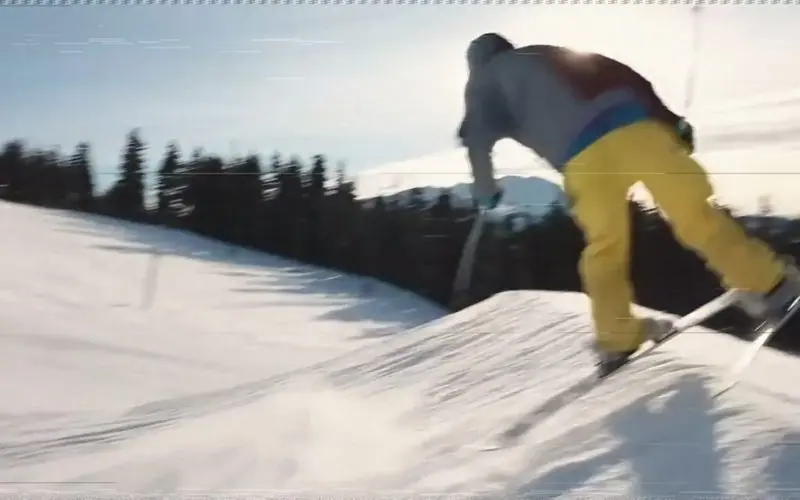
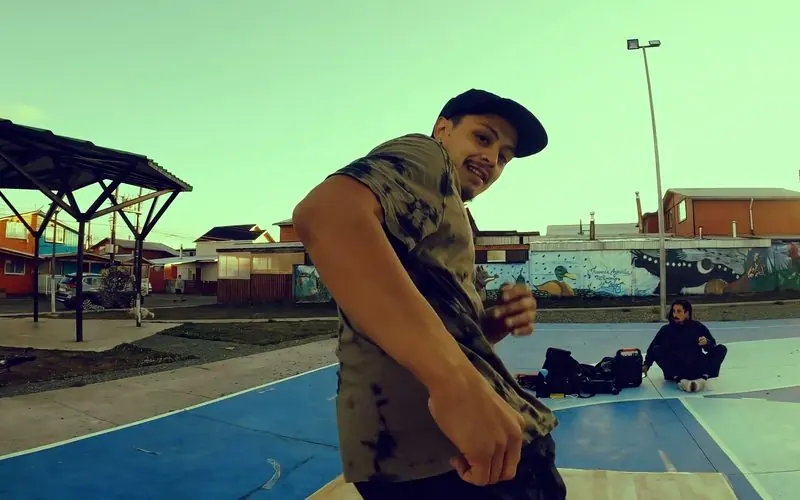
Made in Vis Exo.

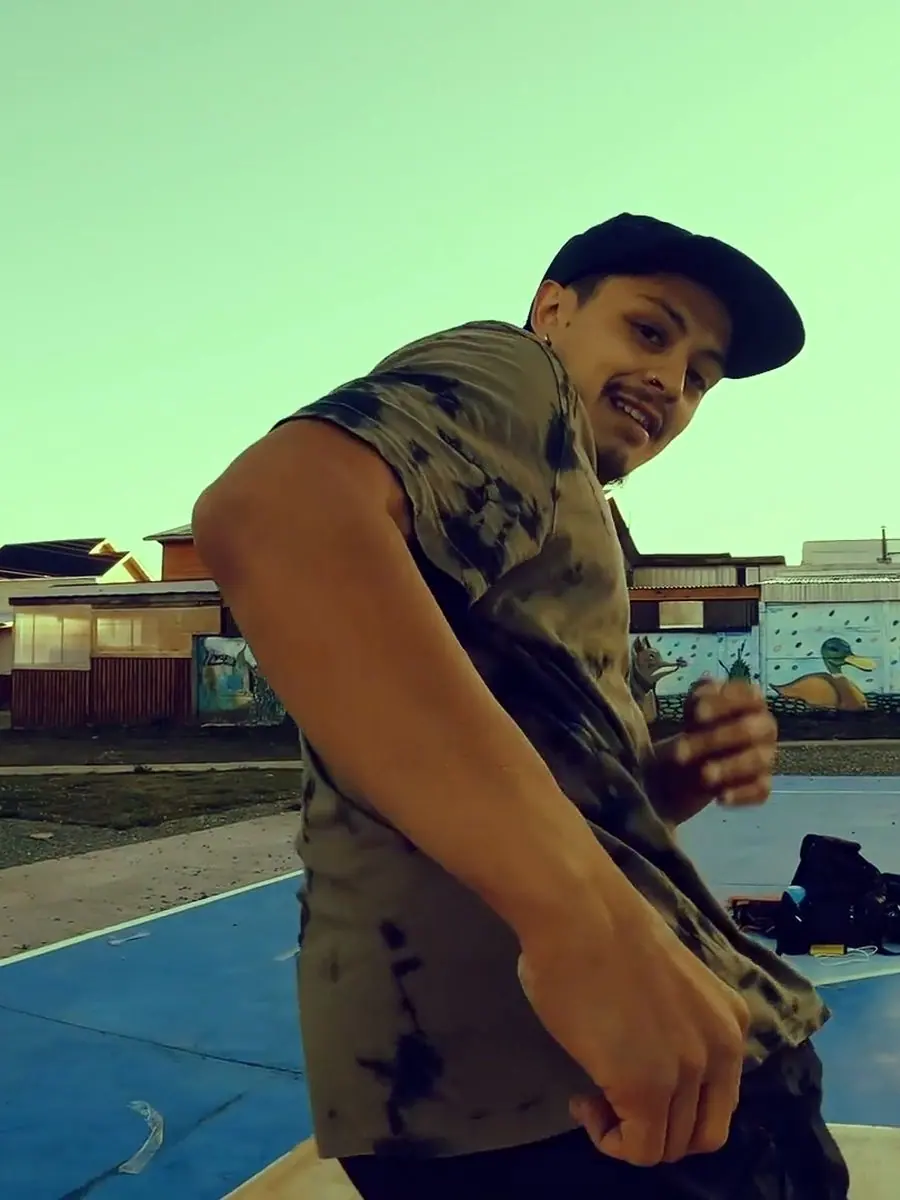
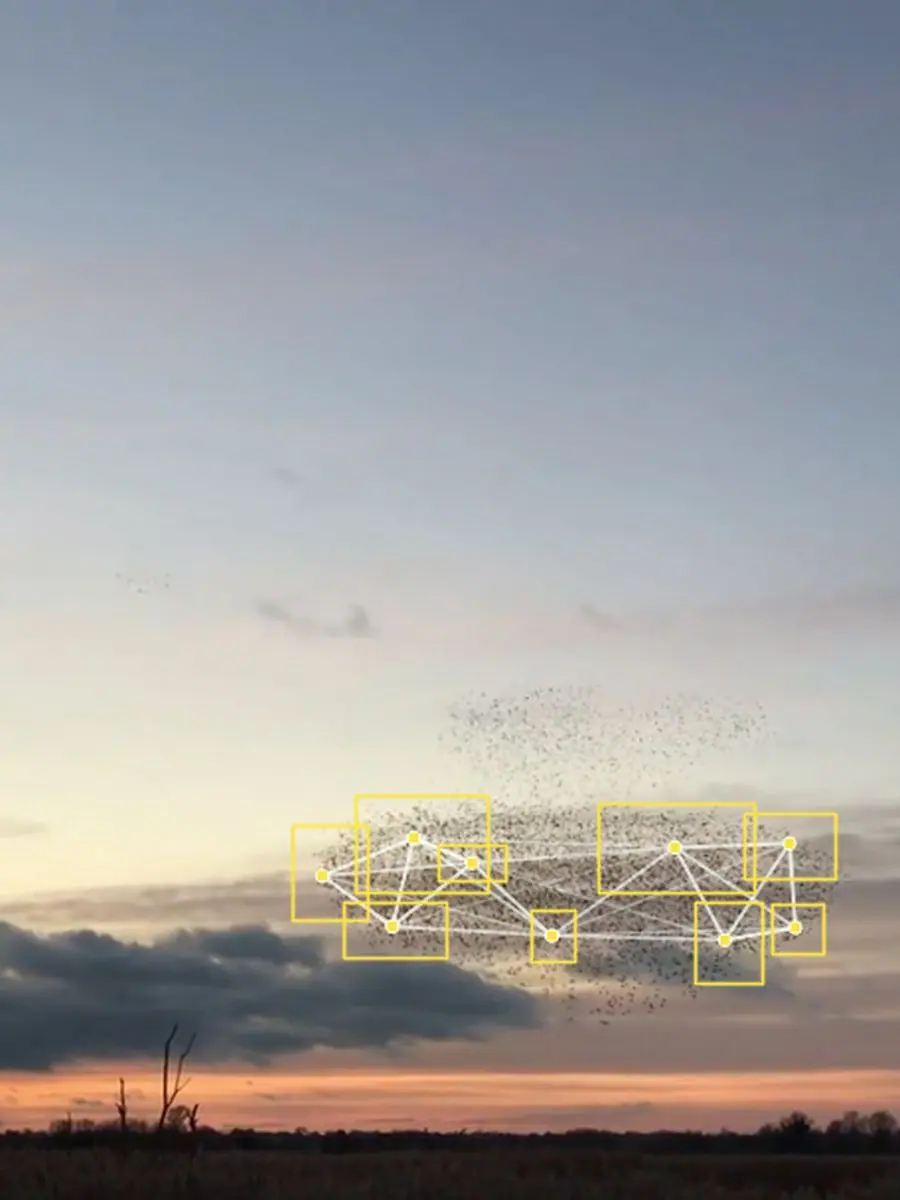
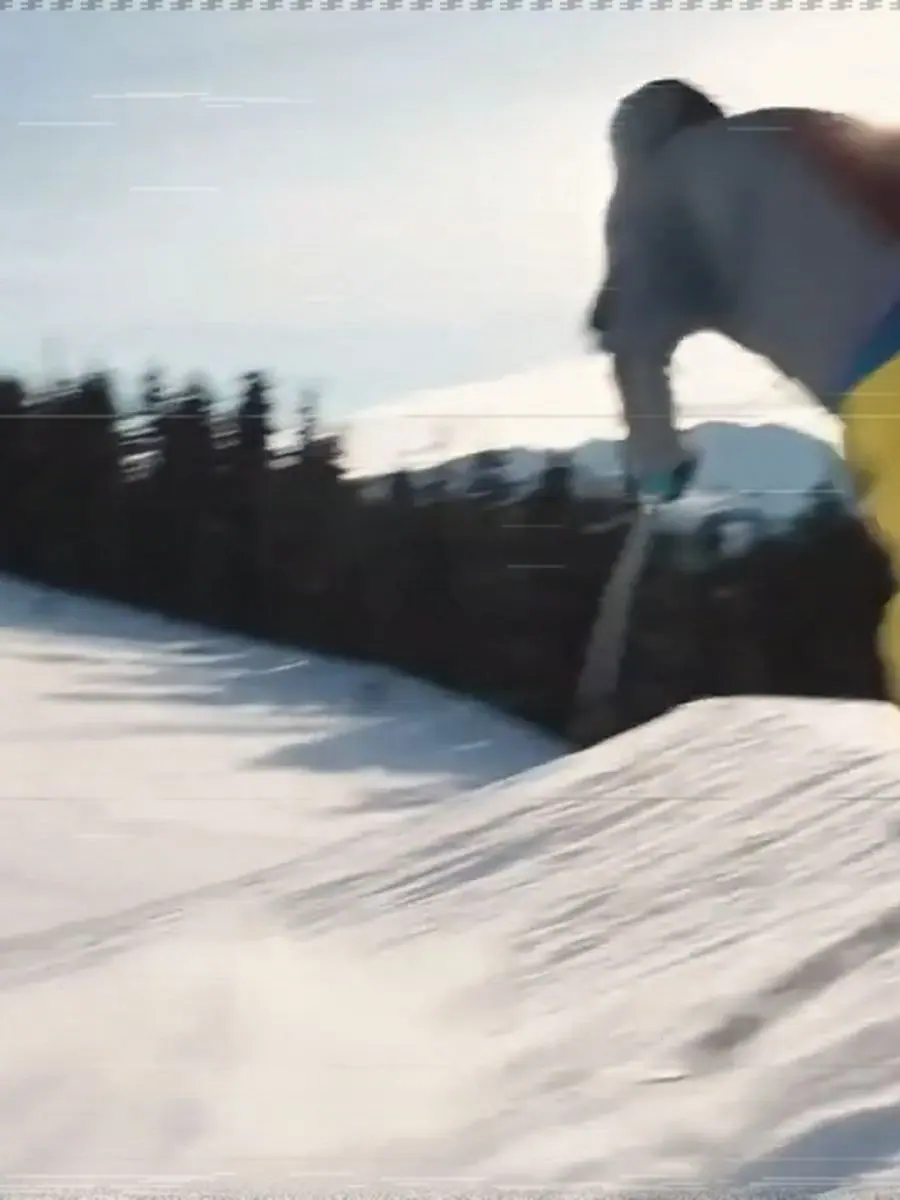
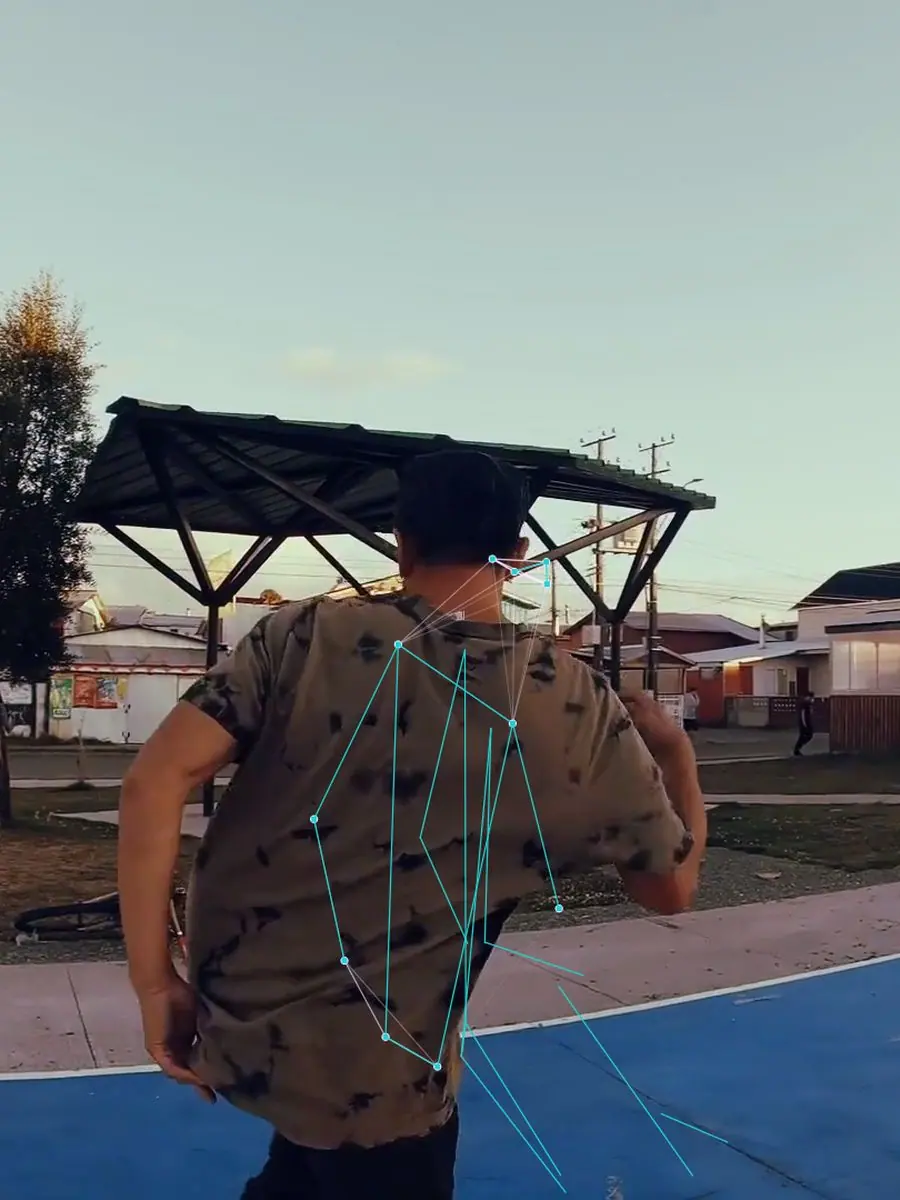
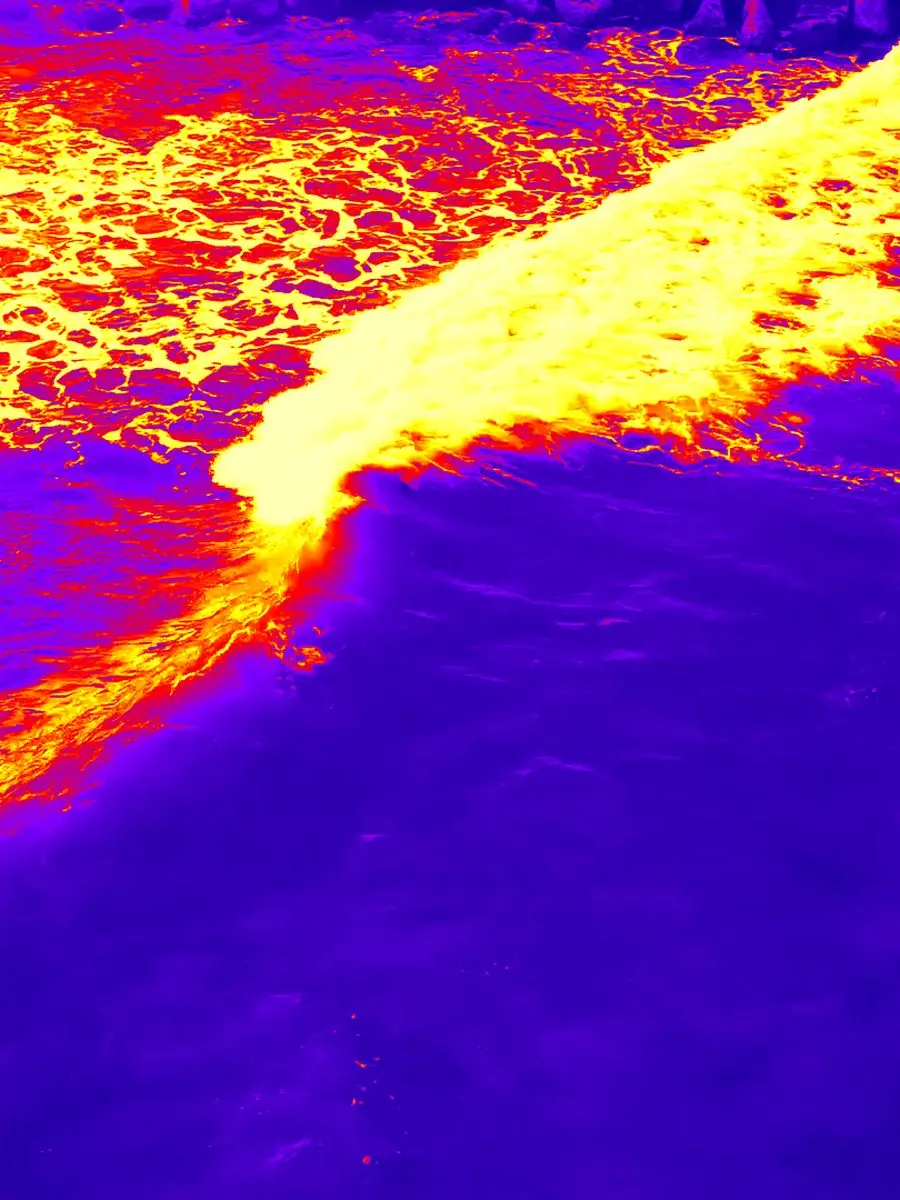
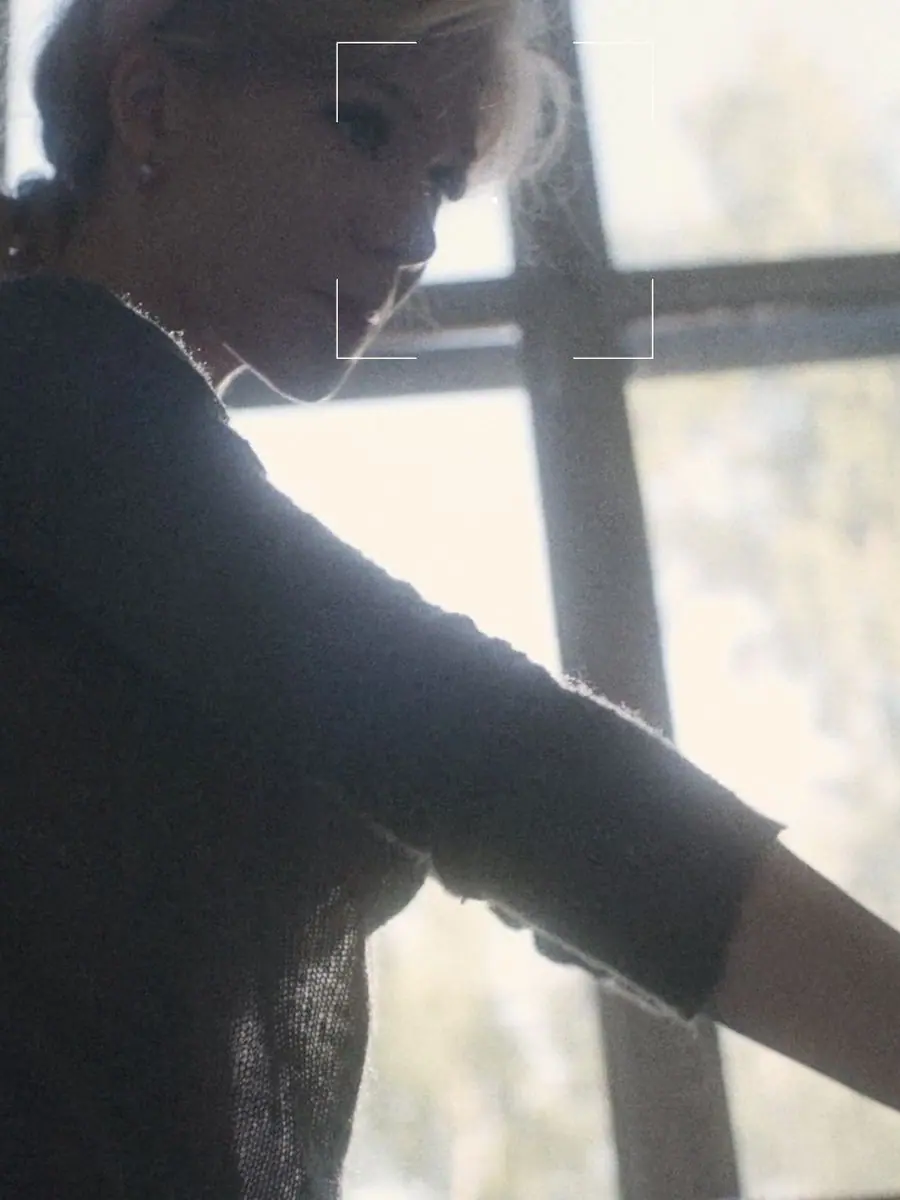
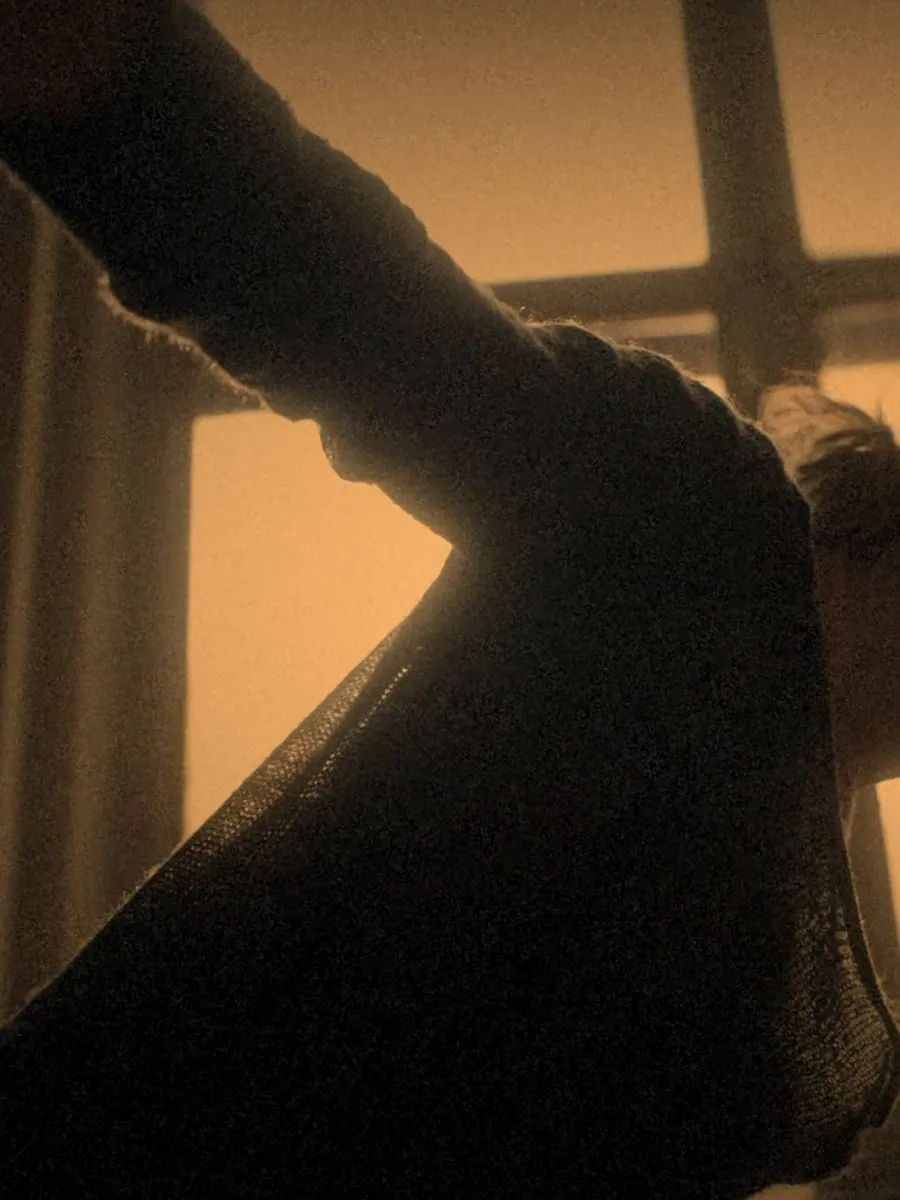
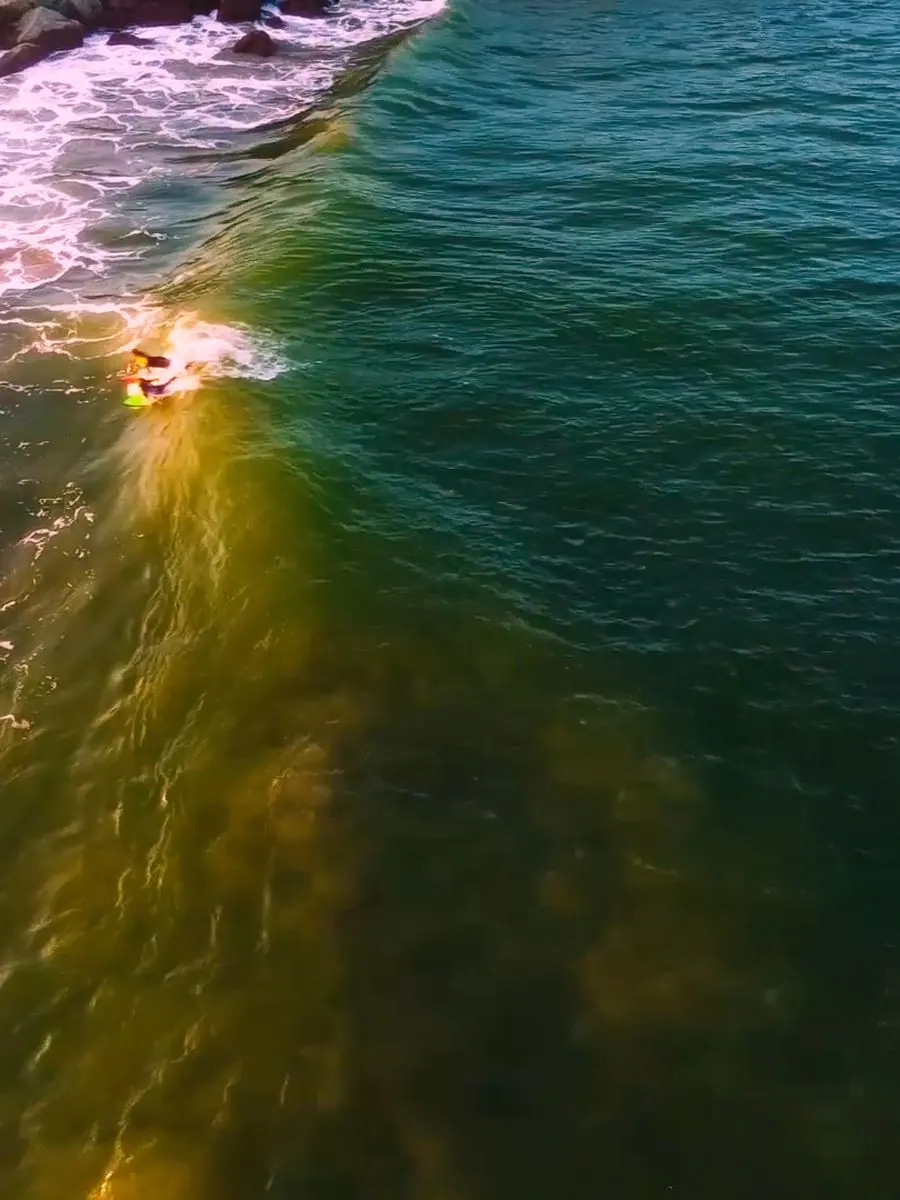
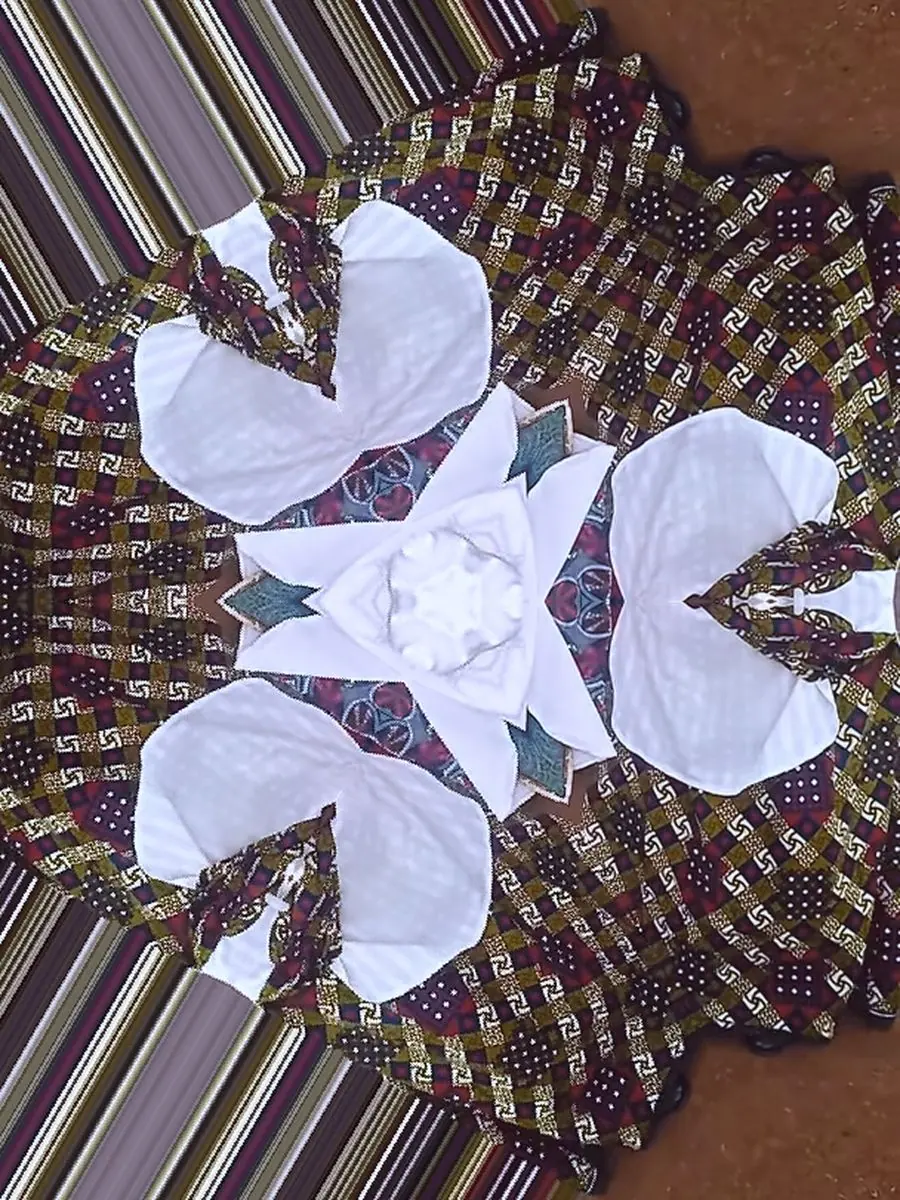
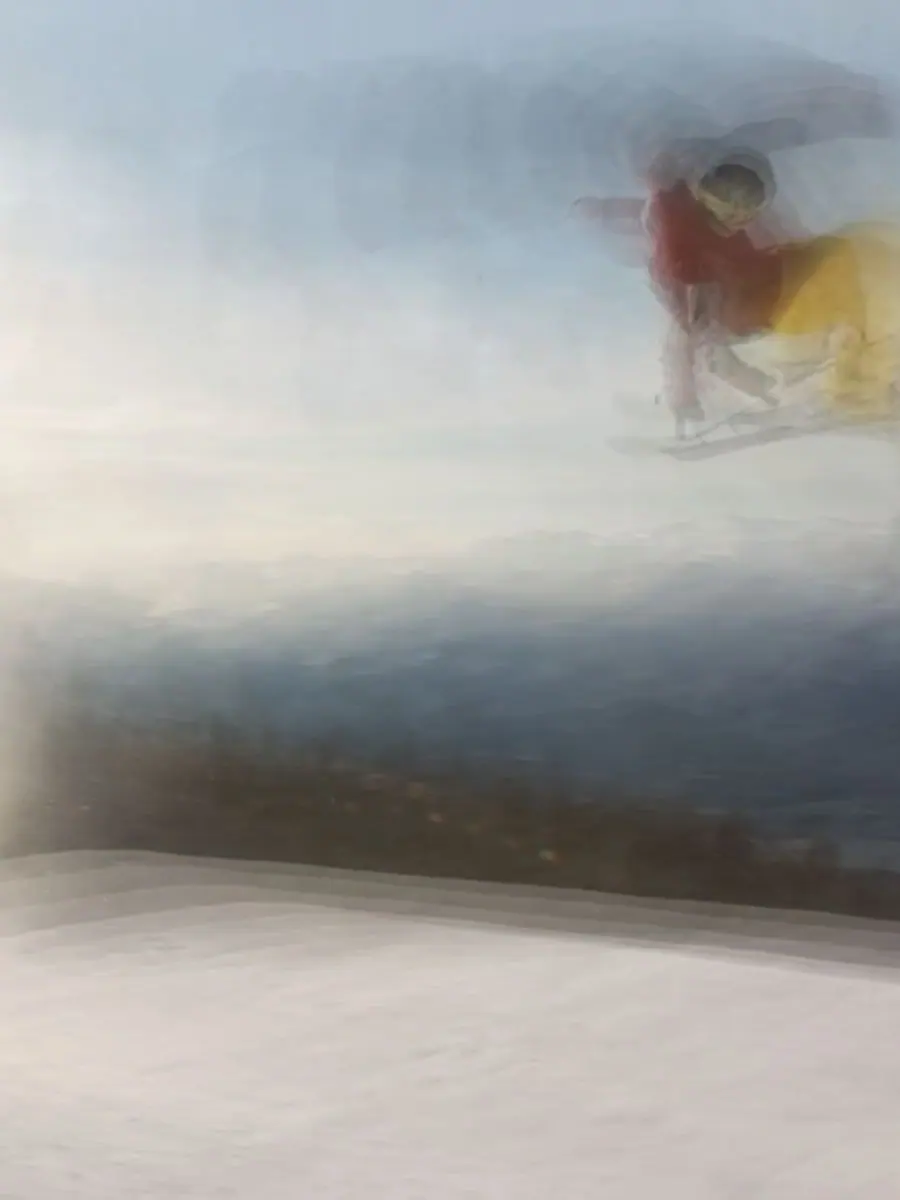
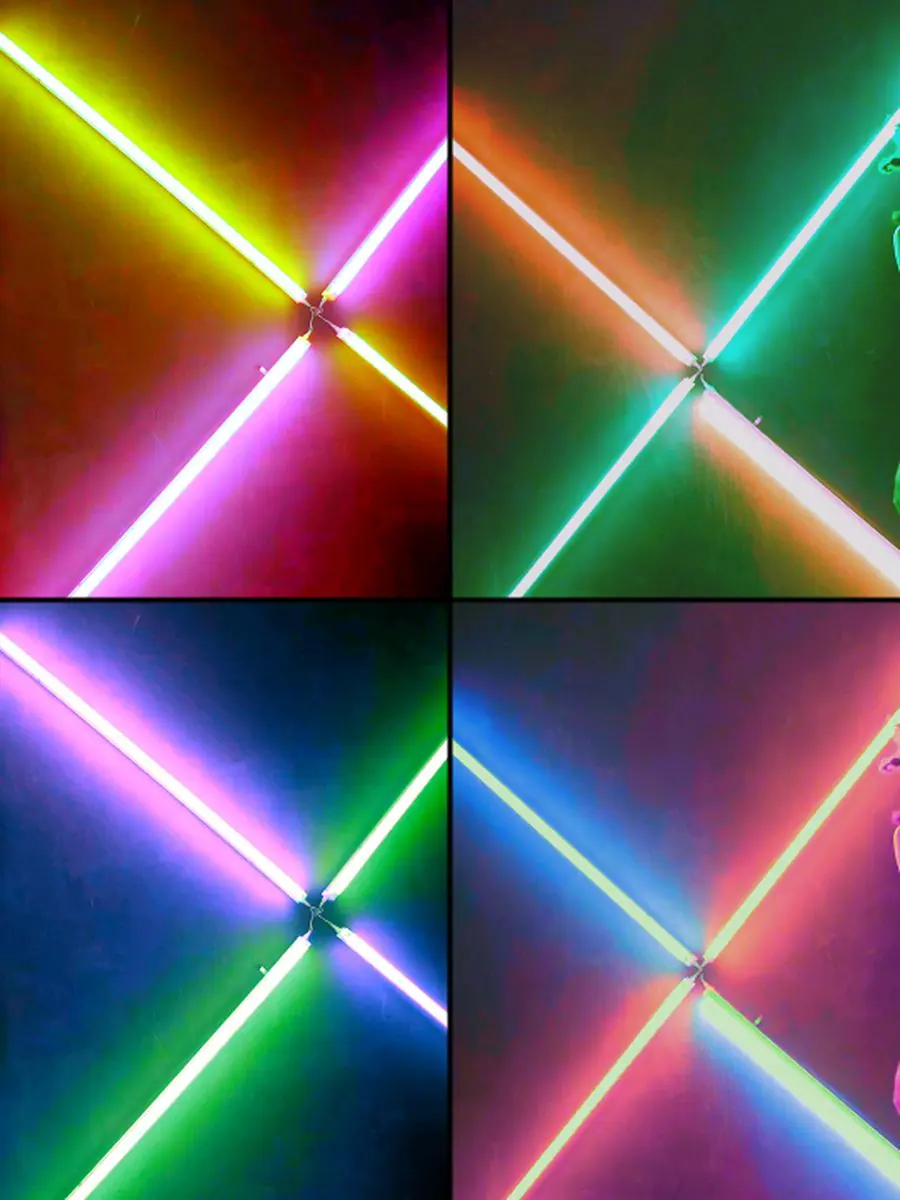
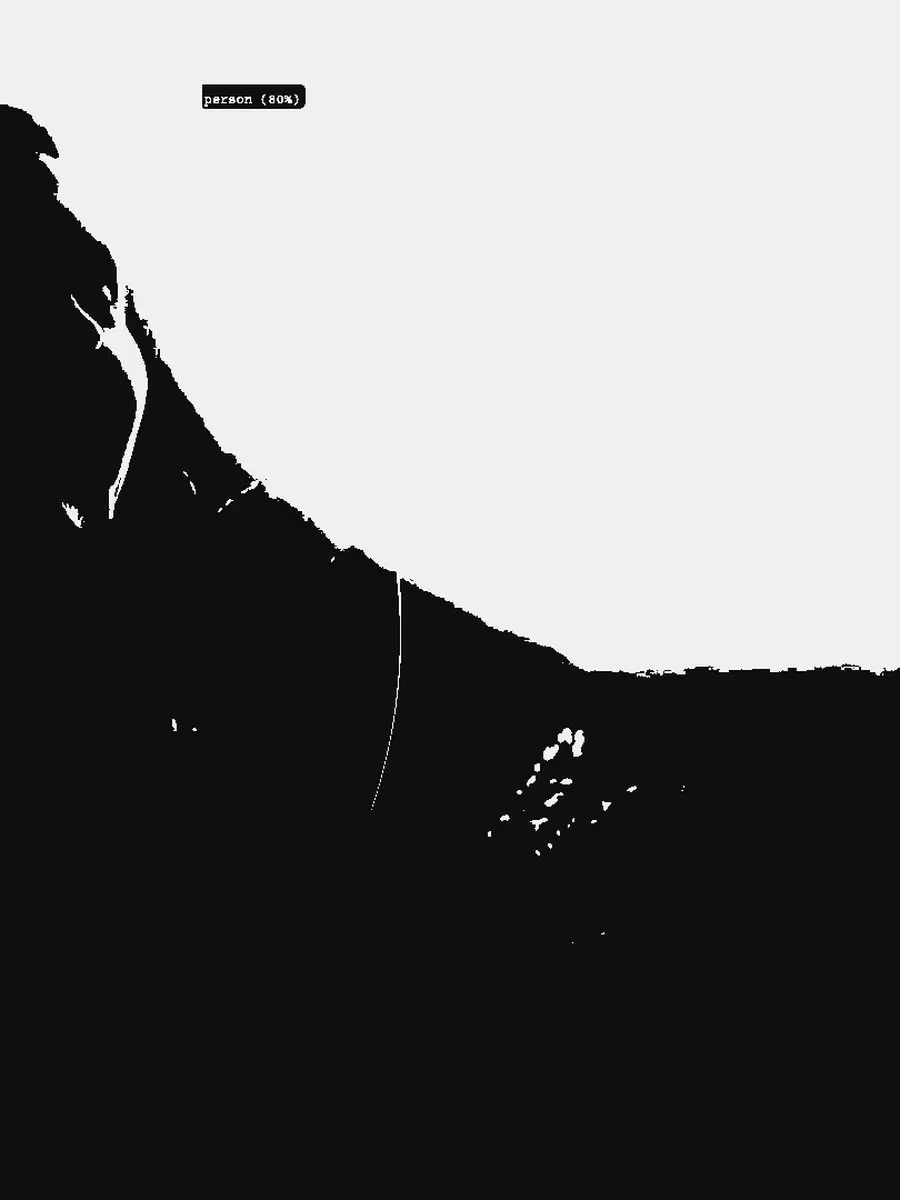
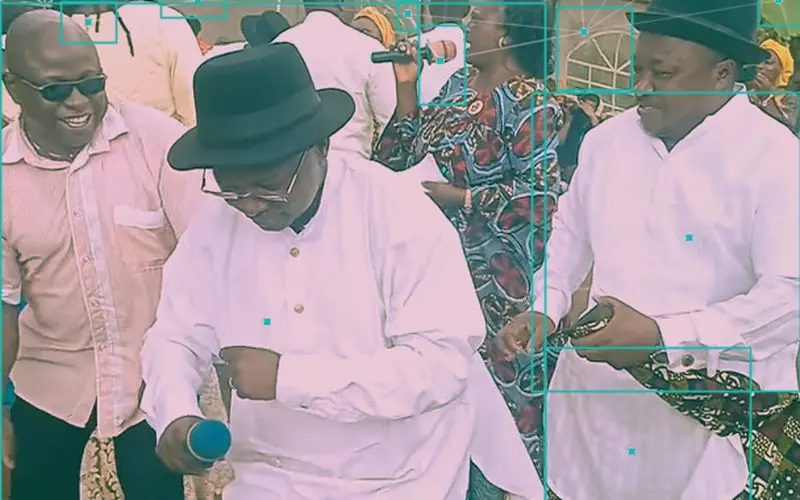
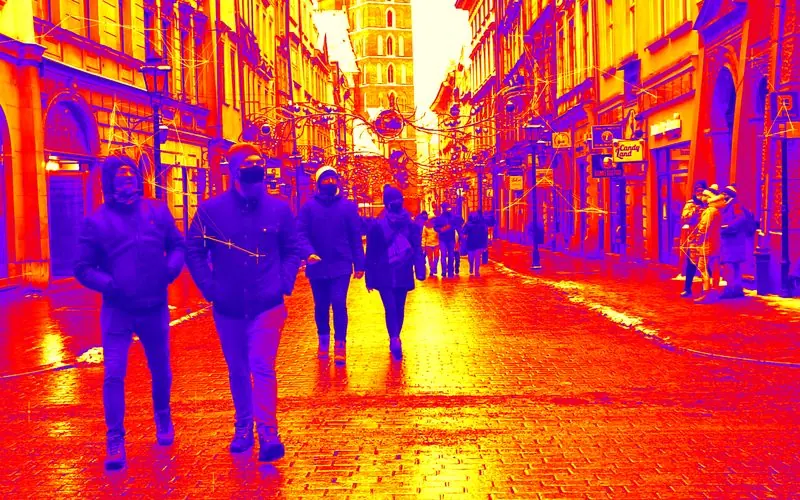
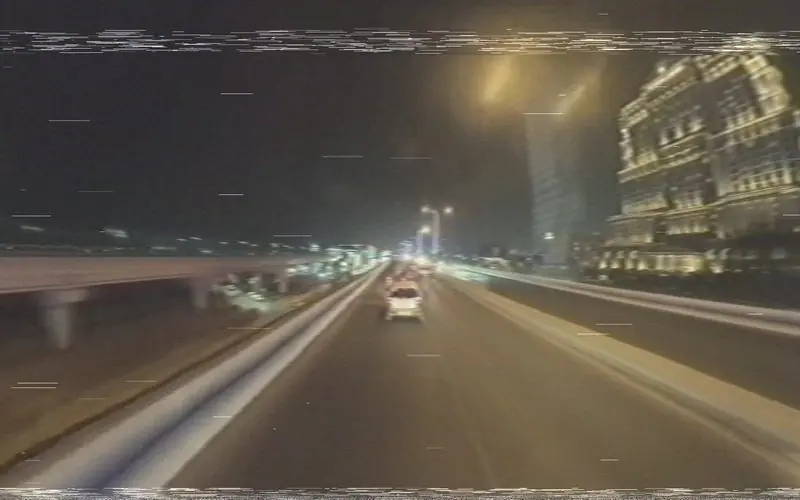
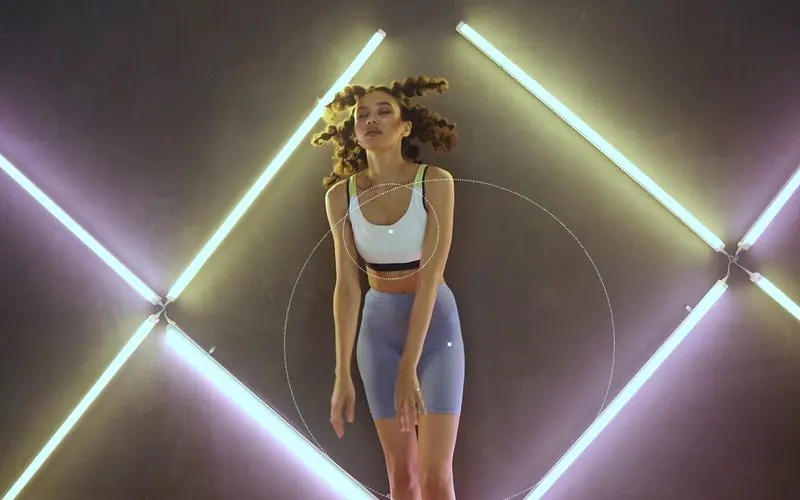
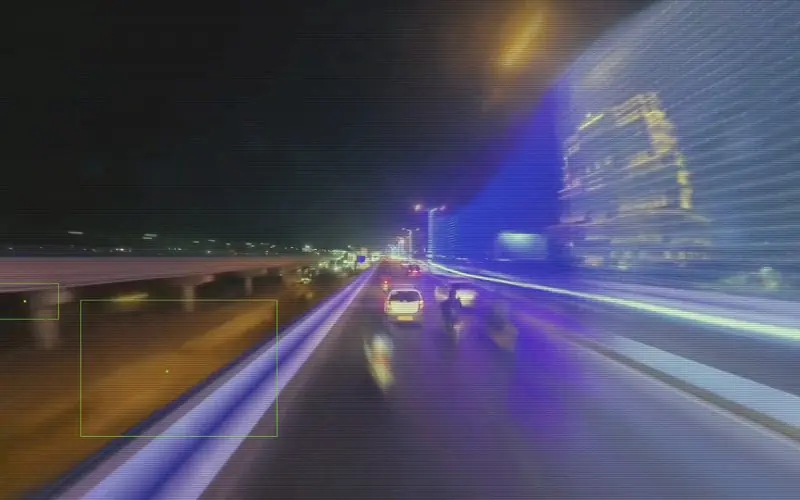
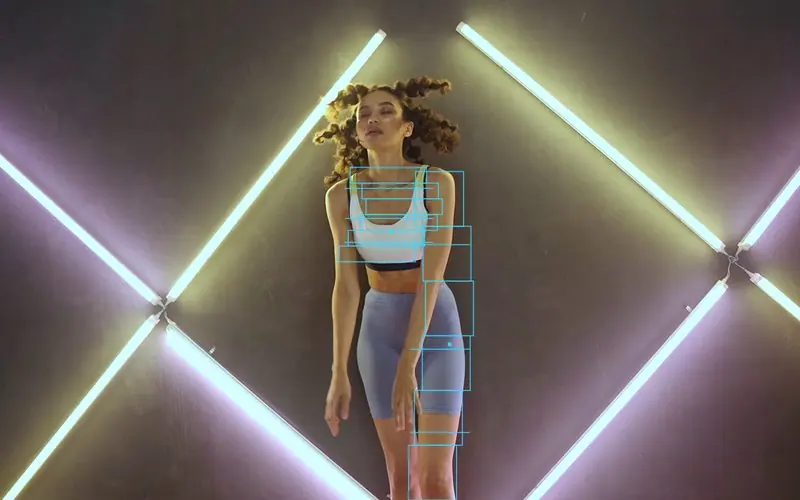
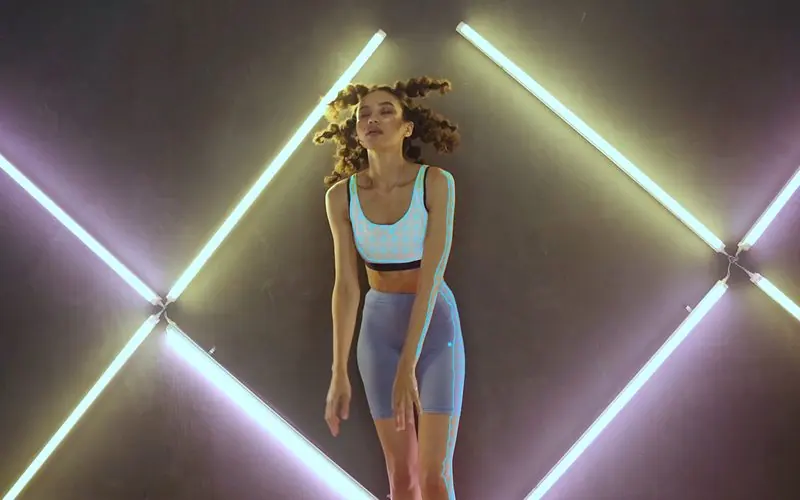
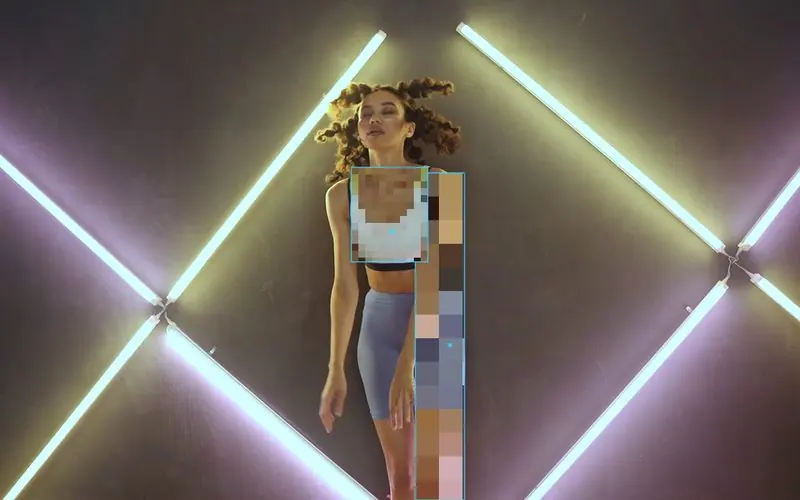
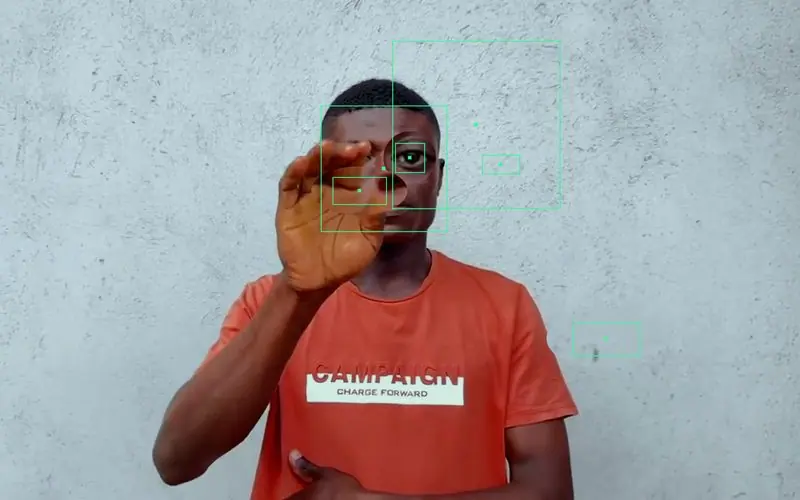
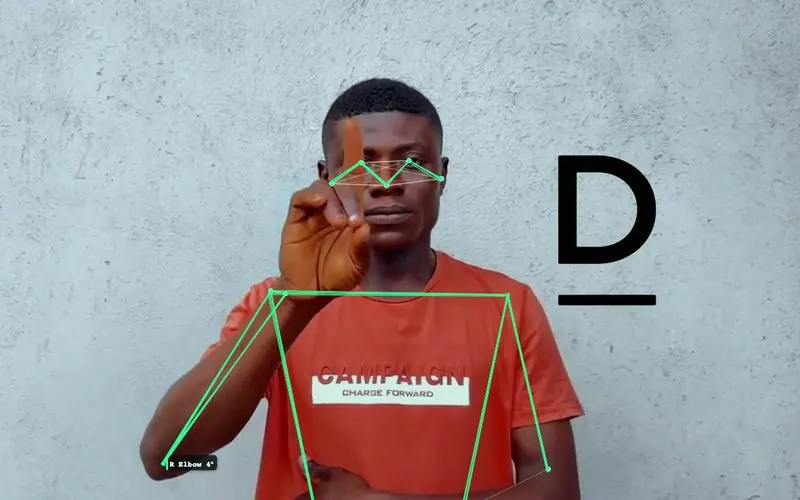
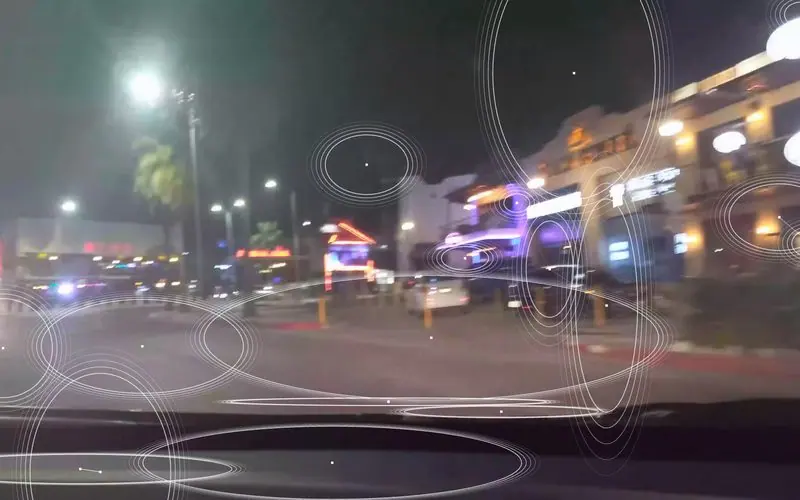
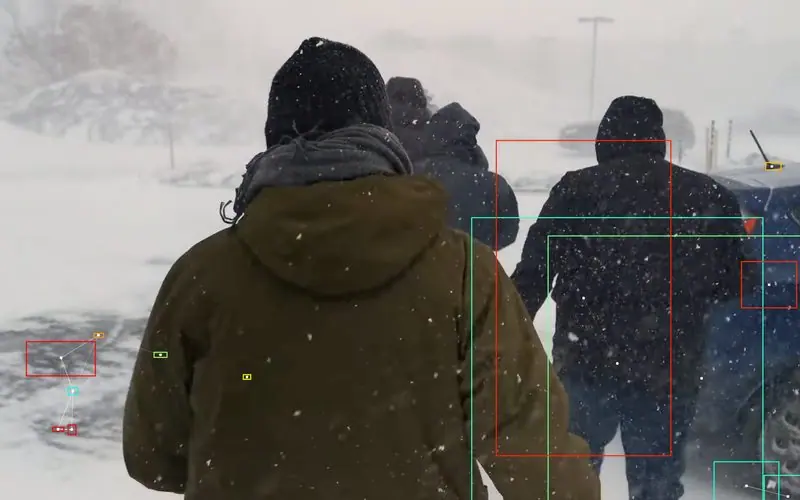
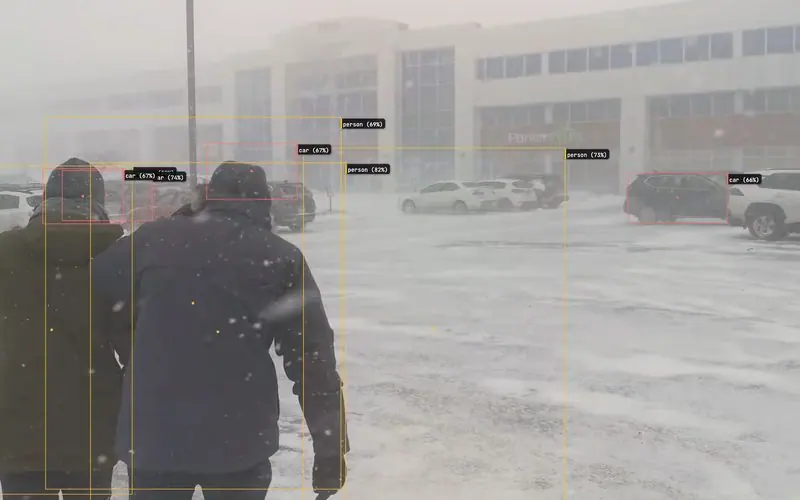
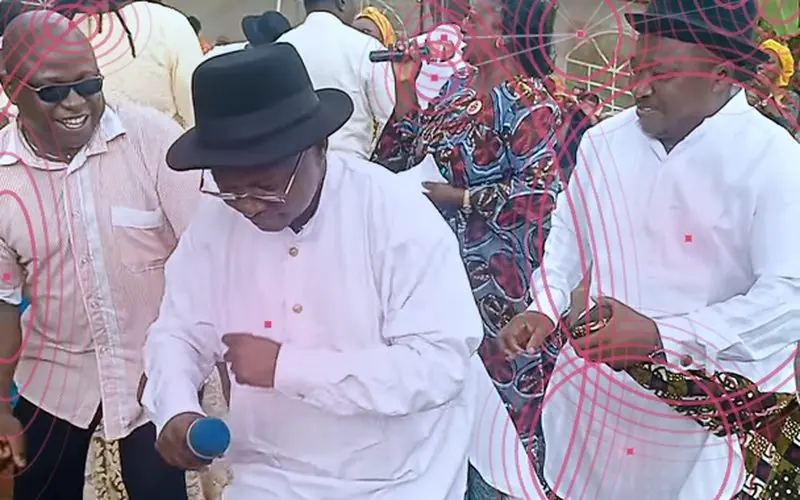
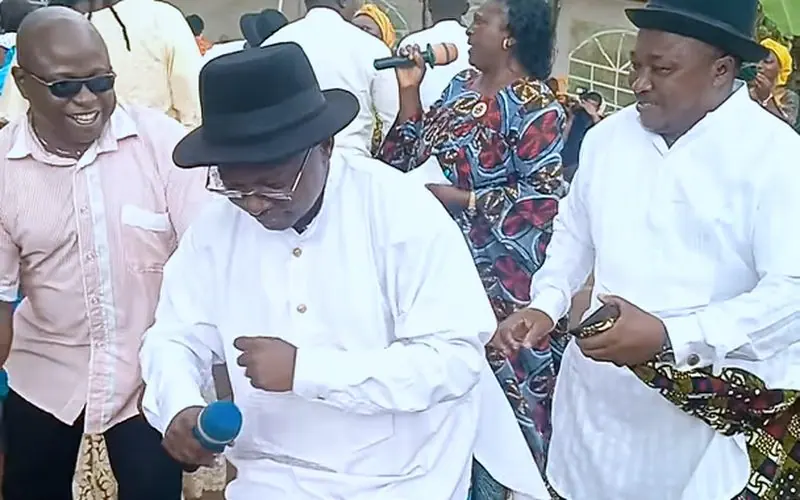
Real footage, real output. Every frame here came straight out of the app, one preset each.

Footage: portrait and dance clips from Mixkit, a CC0 sign-language sample and three CC0 clips from Wikimedia Commons (snowstorm, night drive, Mola dance); ski, surf, street and studio clips from Pexels; and from Wikimedia Commons, “Cork 720 ski (perfect)” by steven hager (CC BY 3.0) and “Flock of starlings (Sturnus vulgaris)” by Karen Roe (CC BY 2.0), with effects applied.

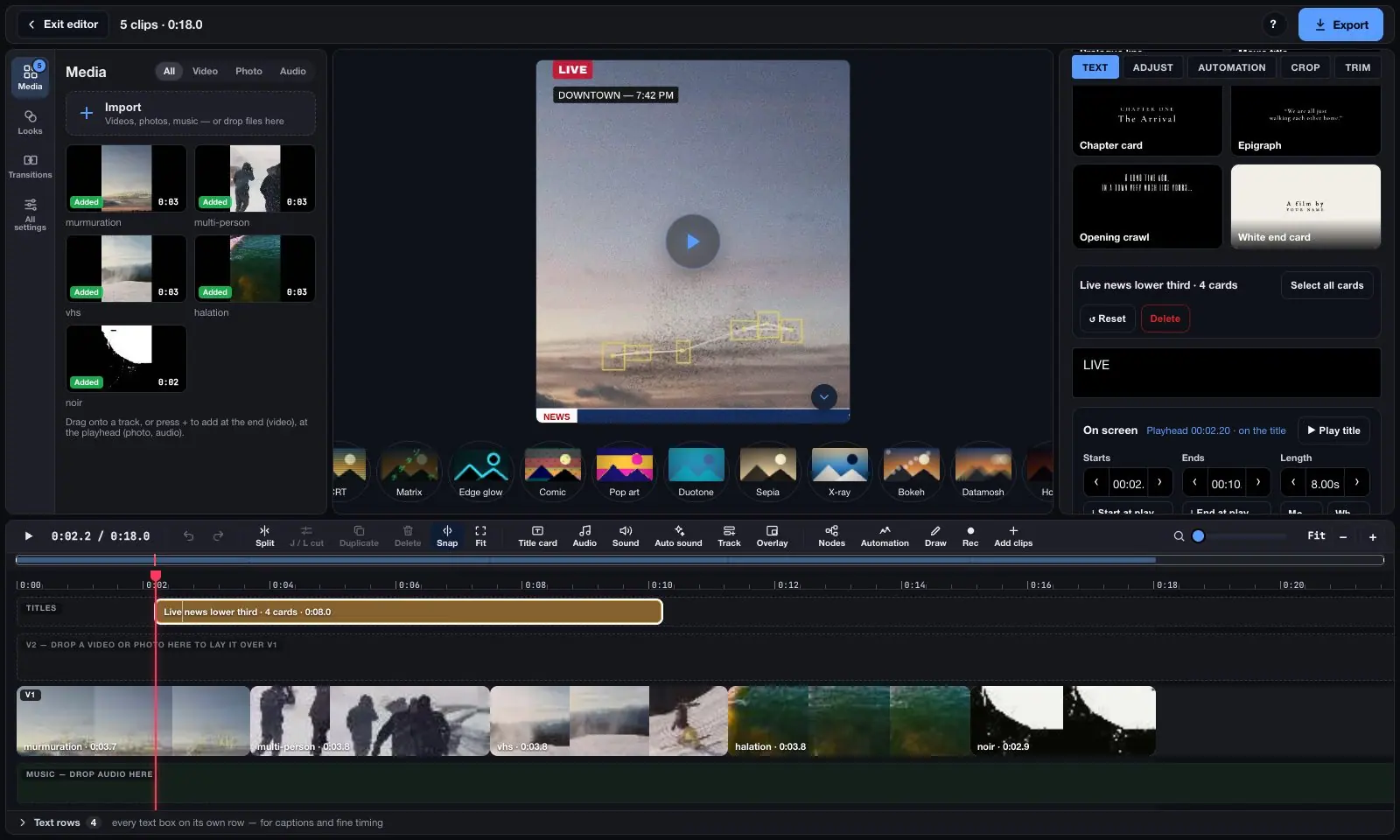
Editor

A whole video editor. In a tab.

Clips, titles, captions, music and every look on one timeline — free, with nothing to install and nothing uploaded.

The Vis Exo editor: a media pool of five clips, the preview with a live news title, and a timeline with a Titles lane, the clips on V1 and a music track
How it works

Three steps. No learning curve.

From an empty tab to a tracked, exportable clip in under a minute.

1

Pick a source & mode

Webcam, an uploaded video, or a single photo — then choose from 13 tracking & effect modes.

2

Track it live

Real-time WebAssembly computer vision in one of 35 visual styles — nothing ever leaves your device.

3

Export or stream it

Record WebM/MP4, save a PNG sequence, export CSV telemetry, or stream live to TouchDesigner over OSC.

Tracking modes

Ten modes. One app.

Every mode shares the same webcam/video/photo pipeline, visual style library, and export tools — switch between them instantly, no reload.

Free video tools

Convert, compress, caption. Free, in your browser.

The same on-device engine that powers the tracker also converts formats, extracts audio, compresses files and adds subtitles. No upload, no watermark, no file-size limit, no account.

Visual styles

Every look. Built in.

Each of these is a one-click starting point — pick a look, land in the app with it already applied, then tweak from there.

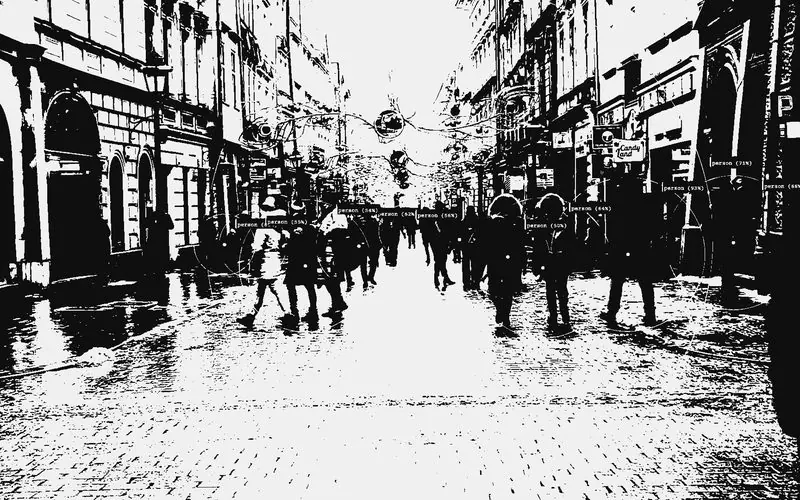
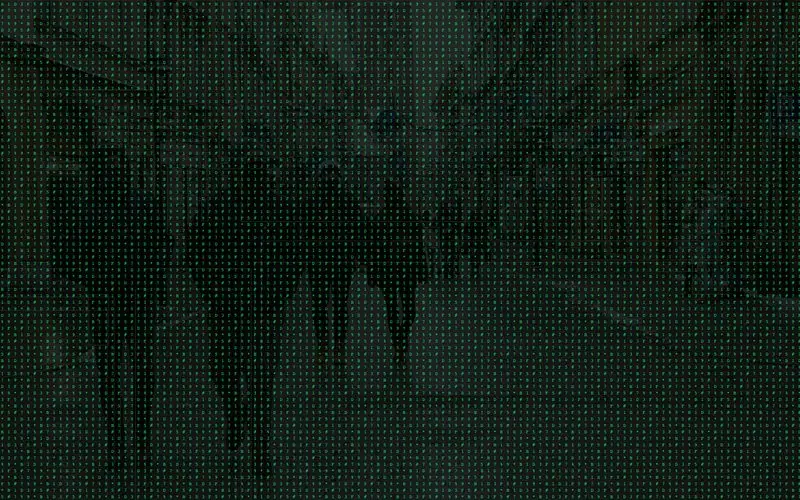
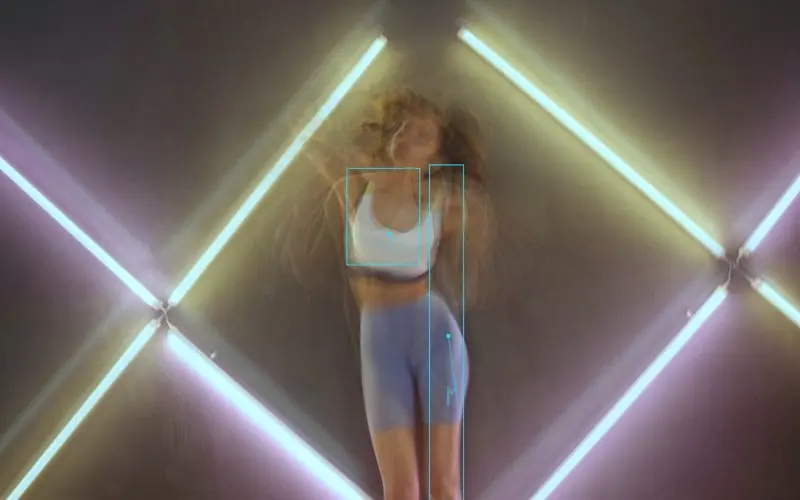
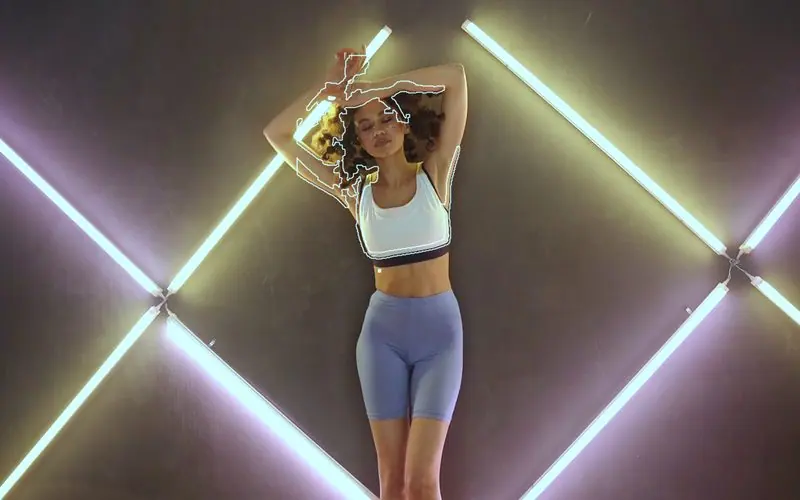
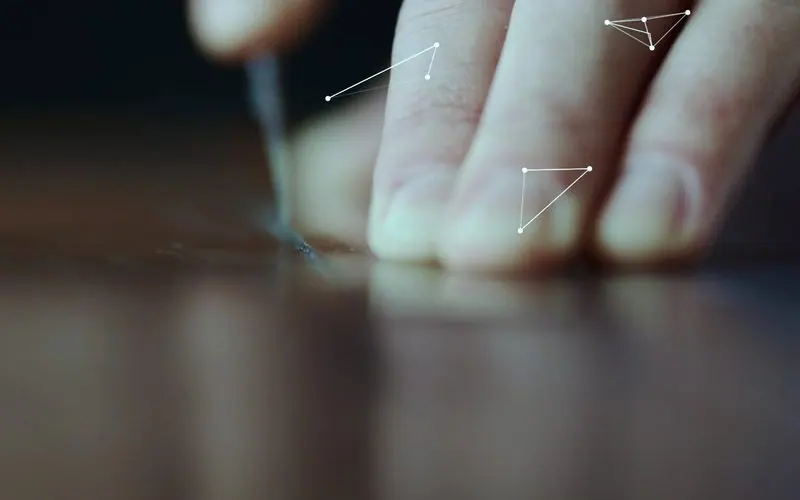
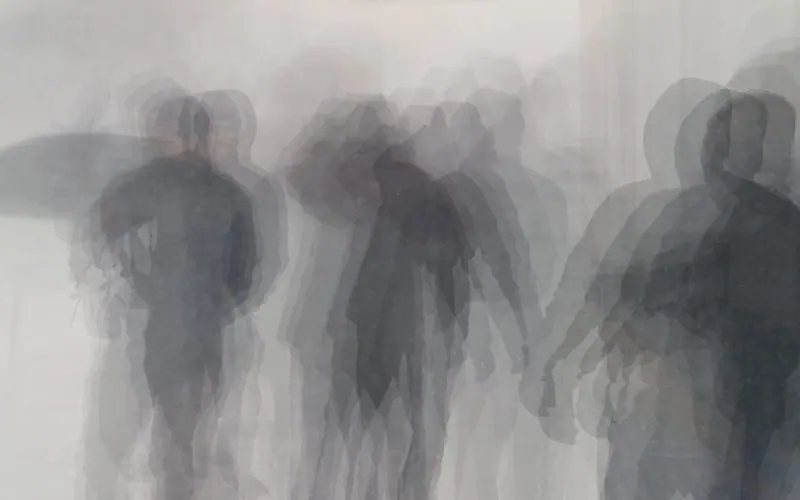
Neon CyberpunkGlowing teal outline, Sobel-edge Post FX. Thermal FLIRAmber heat-vision gradient fill. VHS RetroDashed tracking lines, CRT scanline FX. ConstellationDotted glowing lines linking every point. Blueprint SketchHand-drawn dashed strokes, noir shading. Indie Film NoirInterlinked web over grainy black & white. Matrix Code RainFalling green code Post FX. CRT Scanline GlowOld-monitor scanline & phosphor bloom. Glitch ArtDatabending block-glitch tracking style. Halftone NewsprintDot-pattern comic-print fill. Pixel MosaicChunky retro-pixelated tracking. Light Painting TrailsLong-exposure ghost trails that decay slowly. Wireframe SkeletonDots & bones pose rig, sci-fi style. SilhouetteClean contour outline around each person. Angel GlowSoft halo aura around a person's silhouette. Spiderweb HandsWeb-linked lines across every finger joint. Cartoon Big EyesExaggerated eyes & mouth face filter. Gesture ControlLive hand-gesture & angle readout demo. Yoga Pose TrackerJoint angles & center-of-mass overlay. Sports AnalyticsJoint angles plus live speed labels. DJ VisualizerAudio-reactive halo aura that pulses to sound. Speed HeatmapColor-coded overlay by movement speed. Crowd CountingLive numbered labels on every detected person. Multi-Person PoseFull skeleton tracking for everyone in frame. Audio ReactiveLive FFT frequency modulation of the whole look. Step PrintingWong Kar-wai-style stuttered, dreamlike motion. Ghost TrailsEvery movement leaves a fading afterimage. Cinematic Color Grading92 LUTs, .cube import, Lift/Gamma/Gain.
Color and motion

Grade it like a film. Animate it like an edit.

A real color grader and a keyframe timeline sit on top of every tracking mode — the part you'd normally reach for a desktop editor to do.

Ungraded
Teal & Orange
Portra Soft
Bleach Bypass
Neon Dreams
Day for Night
Sepia Archive
Creeping Shadows

92 cinematic LUTs, plus your own .cube files

Film emulation, blockbuster, stylized, time-of-day and horror grades — each rendered live and previewed on your own footage before you pick it.

  • Import any 3D or 1D .cube LUT from Resolve, Premiere or a LUT pack
  • Lift, Gamma, Gain & Offset with per-channel R/G/B balance
  • Temperature, tint, saturation and skin-safe vibrance
Explore color grading →

Keyframes for nearly 40 settings

Fade a grade in, switch Post FX on for one section, change colors on the beat. Keys play back live and land frame-accurately in every export.

  • “Set an effect for a time range” in two clicks
  • Smooth, linear, ease-in/out or hold interpolation
  • Drag to retime, saved automatically and inside presets
Explore keyframes →
Full list

All 33 visual style renderers.

Every curated look above is built from these — mix and match any renderer with any tracking mode, color, and Post FX inside the app.

Standard
Bounding BoxCornersCrosshairCircleContourLines / SkeletonMinimal Tag
Artsy
Scanline RadarRipple RingsDiamondNoise BurstGlitch BlockSketch StrokesVHS TrackingHalo AuraInterlinked (Hub)Interlinked (Web)Interlinked (Orbit)Interlinked (Pulse)Interlinked (Chain)Interlinked (Tether)Interlinked (Starburst)HologramBlueprintMotion Streak
Instagram / Viral
Neon Glow OutlinePixel MosaicFocus ReticleSpeed HeatmapSpeech BubbleSticker CutoutHand-Drawn LassoHalftone Pop
The basics

What is blob tracking?

Blob tracking finds connected regions of similar pixels — blobs — in every video frame and follows them over time. It's the technique behind the boxes-and-lines blob tracking effect in music videos and TouchDesigner visuals.

  1. 01

    Separate the subject

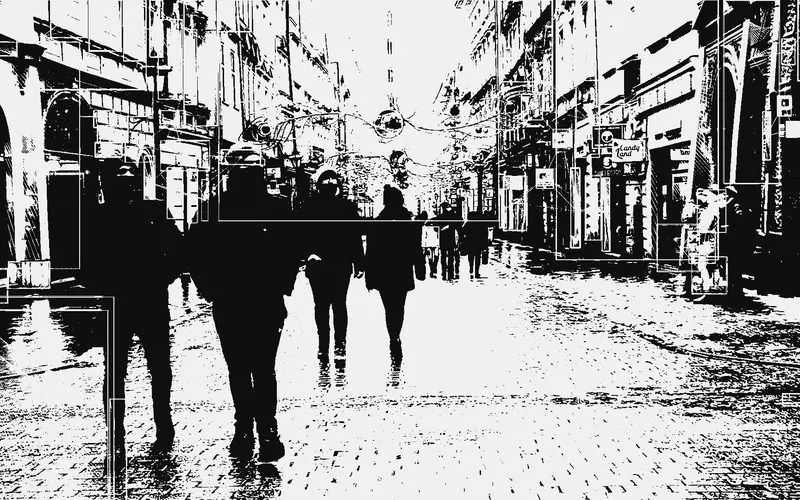
    Each frame is blurred and thresholded into a black-and-white mask, so the shapes you care about stand out from the background.

  2. 02

    Find the blobs

    Contour detection traces every connected shape in the mask, and size filters drop specks and frame-filling noise.

  3. 03

    Follow them

    Each blob is matched to the closest one from the previous frame, within a set distance, so it keeps a stable ID, a trail and a measured speed.

  4. 04

    Draw the effect

    Boxes, labels, connecting lines and trails are drawn in one of 33 styles — and the positions export as CSV or stream to TouchDesigner.

The same tracking works on people, not just shapes: try the face tracking effect, the body tracking effect, the hand tracking effect, motion tracking for anything that moves, or pose estimation for a full skeleton.

Why Vis Exo

Real computer vision. Not a demo.

Works on webcam, video, or a photo

Use a live webcam feed, load an uploaded video file, or run detection on a single still photo — same pipeline either way, on desktop or mobile.

Nothing ever uploaded

All detection runs locally via WebAssembly computer vision — no camera frame, video, or photo leaves your device.

Export what you track

Record tracked video in WebM or MP4 up to 1440p, export a PNG frame sequence, or pull frame-by-frame coordinate data as CSV.

Streams live to TouchDesigner

Broadcast blob IDs, coordinates, bounding boxes, and velocity as live JSON telemetry over OSC/WebSocket to TouchDesigner, Max/MSP, or Ableton.

Audio-reactive visuals

Sync any visual style to the loaded video's own audio track or a live microphone input via real-time FFT frequency modulation.

Touch-optimized mobile UI

A bottom-sheet quick-style bar, swipe-between-modes gestures, and full mobile camera support — not a shrunk-down desktop layout.

Frequently asked questions.

What is Vis Exo?

A free, web-based computer vision tool inspired by TouchDesigner's Blob Track TOP. It runs real-time blob, motion, face, object, pose, person, and hand tracking with 35 visual styles, entirely in your browser.

Is it actually free?

Yes — every tracking mode, visual style, and export option is free with no signup, watermark, or usage limit.

Do I need to install anything?

No. It runs entirely in your browser via WebAssembly computer vision — open the page and start tracking immediately, on desktop or mobile.

Is any video or webcam footage uploaded to a server?

No. Every tracking mode runs locally on-device — no camera frame, video, or photo ever leaves your browser, and there's no account to send it to in the first place.

Can I export the tracked video?

Yes — record in WebM (VP9/VP8) or MP4 (H.264) up to 1440p, export a PNG frame sequence, or download frame-by-frame coordinate telemetry as CSV. See the tracking data export guide for details.

Does it work with TouchDesigner?

Yes — enable the built-in OSC / WebSocket panel to stream live JSON tracking telemetry straight into TouchDesigner, Max/MSP, or Ableton. See the TouchDesigner alternative guide.

What is the blob tracking effect?

It's the look of boxes, labels and connecting lines following shapes around a video — made by detecting blobs in each frame and tracking them over time. Vis Exo generates it live on a webcam or any video, free.

Is there a free blob tracker online?

Yes — Vis Exo is a free blob tracker that runs in your browser with no install. Load a video or use your webcam, then export the result as MP4 or the tracking data as CSV.

Can I make face, body or hand tracking effects too?

Yes — the same app tracks faces, whole bodies, hands and anything that moves, with the same styles and export options. See the face tracking effect, body tracking effect and hand tracking effect guides.

Can I color grade video or use my own LUT?

Yes — pick from 33 built-in cinematic LUTs or import your own .cube file, then fine-tune with Lift, Gamma, Gain, Offset, temperature, tint and vibrance. See the color grading guide.

Can I change effects at specific times in a video?

Yes — the Keyframe editor in the Clip Editor animates nearly 40 settings along a video's timeline, or switches an effect on for a set time range. See the keyframes guide.

Looks to start from

A few looks made in the app — open one and it is applied to your own clip. Made something good? Share it from the app and it can show up here.

Start tracking in ten seconds.

Free, no signup, nothing uploaded — open the app and point a webcam at something.

Vis Exo

Tracking, video looks and a timeline editor that run in your browser. Free, and nothing you load is ever uploaded. Formerly Blob Track Pro.