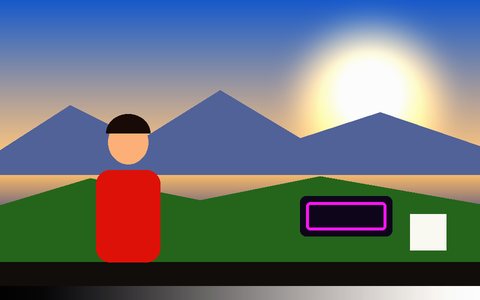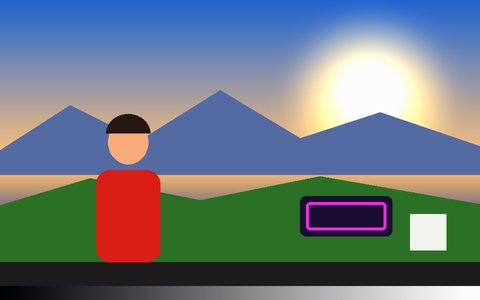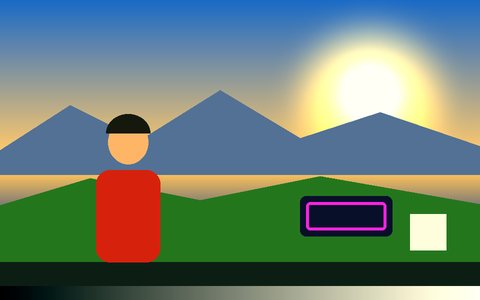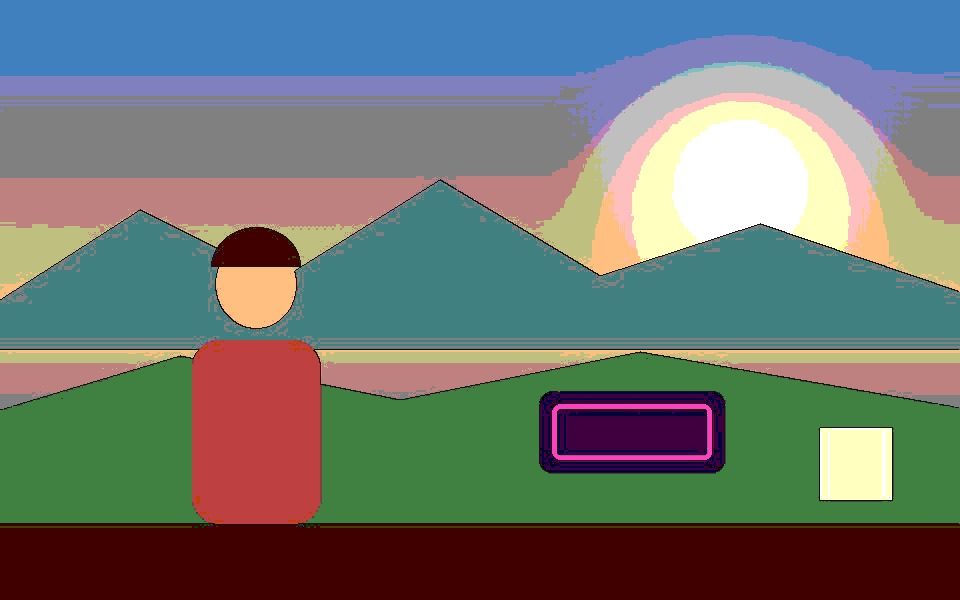
Why Comic Book Effect Works Here
Real edge inking
Strong brightness changes between neighboring pixels become black ink lines, detected on the original frame before any color is flattened.
Flat comic colors
Every other pixel is posterized to five levels per channel for the flat fills of a printed comic.
Vibrance boost in the preset
The preset adds +20 Vibrance so skin and backgrounds stay colorful after flattening.
Lines follow the light
Inking follows contrast, so well-lit, high-contrast shots produce the cleanest outlines.
Pairs with tracking
Add Blob or Motion tracking and the tracked boxes are inked along with the scene.
Record your comic clip
Export MP4 or WebM, or grab PNG stills for panels.
Frequently Asked Questions
How does the comic book filter work?
It compares each pixel's brightness with its neighbors to find edges, draws those in black, and posterizes the rest into flat color.
Why are the outlines patchy on my video?
Outlines follow contrast, so dim or flat footage produces fewer lines. Raise Contrast, or Gain in Color Adjustments, to strengthen them.
Can I turn my webcam into a cartoon?
Yes — choose Camera and the comic look renders live.
Does it work on phones?
Yes, though the edge pass is heavier than a plain color filter; a lower Resolution setting keeps it smooth on older phones.
Is it free?
Yes — free and private; your video never leaves the browser.