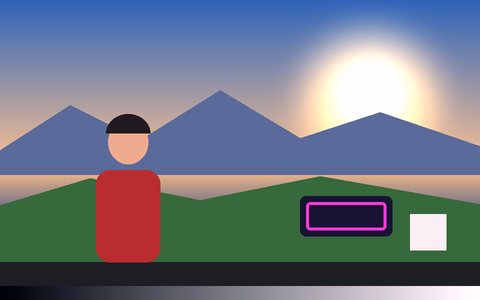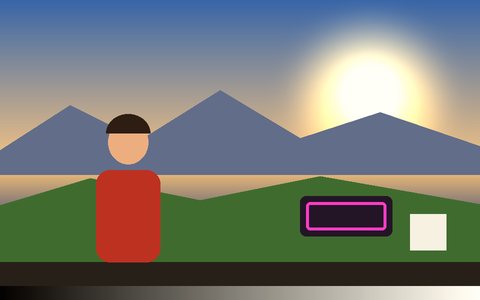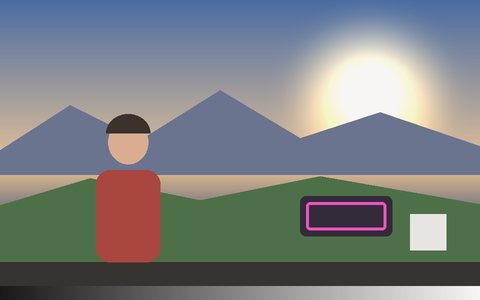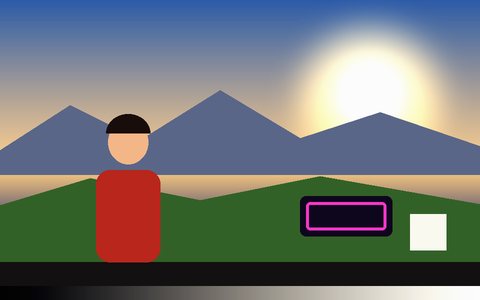
Why Step Printing Effect Works Here
Step printing holds each frame on screen for longer than normal — sometimes just two or three updates a second — while the footage underneath keeps moving in real time. The result is the famous smeared, staccato motion from Wong Kar-wai and cinematographer Christopher Doyle's Hong Kong films: a crowd blurring past in stuttered steps instead of a smooth pan. Vis Exo simulates that same effect live, on webcam or video, adjustable from a subtle wobble to a fully dreamlike stutter.
What step printing actually does
The picture holds each frame longer than normal — as low as a couple of updates a second — so motion between updates reads as sudden jumps instead of smooth blur.
Adjustable frame rate
Dial the update rate from 2 to 60 fps — lower for a full stutter, higher for a barely-there dreamlike softness.
Works on webcam or video
Live from your camera or on an uploaded clip — the same real-time effect either way.
Combine with any tracking mode
Runs standalone as a look-only pass, or stack it on top of Blob, Motion, Face, Object, Pose, Person, or Hand tracking.
Layer with Post FX and color grades
Pairs naturally with the Noir, VHS/CRT, or '16 Filter grade for a full period-film look.
Export what you see
Record the stepped effect straight to WebM or MP4, at up to 1440p.
Frequently Asked Questions
What is step printing?
Step printing is a technique where the visible picture only updates a limited number of times per second while time keeps moving normally underneath it — motion between updates reads as sudden, smeared jumps instead of smooth blur. It's the technique behind Wong Kar-wai and cinematographer Christopher Doyle's famous chase scenes in Chungking Express and Fallen Angels.
Is this step printing effect actually free?
Yes — it's free with no signup, watermark, or usage limit.
Can I control how choppy the effect is?
Yes — the Step Printing Frame Rate slider goes from 2 fps (fully stuttered, dreamlike) to 60 fps (barely noticeable), so you can dial in exactly how strong the effect reads.
Do I need a tracking mode running for step printing to work?
No — it defaults to No Tracking mode, which passes the live feed straight through with zero detection overhead. You can still stack it on top of Blob, Motion, Face, Object, Pose, Person, or Hand tracking if you want. See the Webcam Filter, No App guide for more look-only effects.
Does it work on webcam and uploaded video?
Yes — step printing runs the same way in real time on a live webcam feed or an uploaded video file.