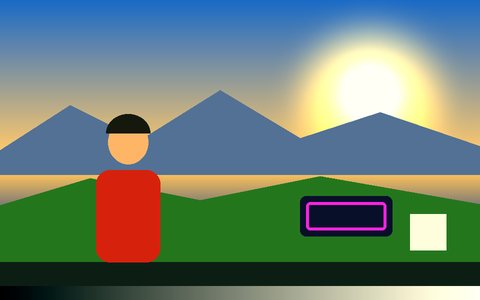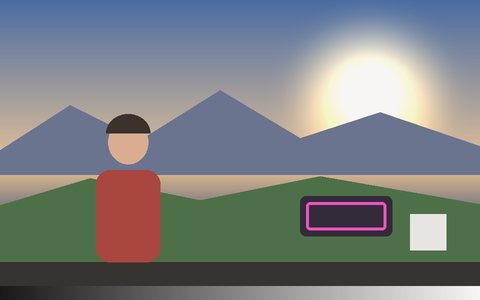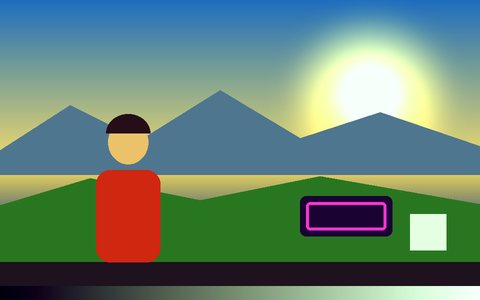
Why Fisheye Lens Effect Works Here
A real per-pixel remap
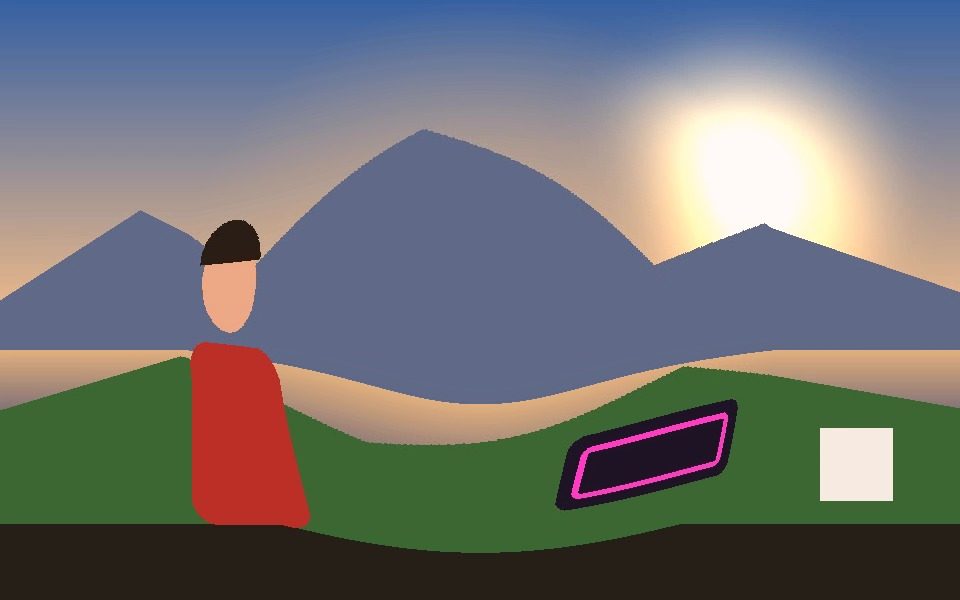
Every pixel inside the lens circle samples from a power-curved radius, so the center swells while the circle's edge stays anchored.
Circular lens zone
The distortion fills the largest circle that fits the frame; the corners outside it stay untouched.
Best with a centered subject
Faces and objects near the middle get the strongest bulge, so frame your subject in the center.
Heavier than color filters
Distortion effects remap every pixel, so expect a bigger frame-rate hit on slower phones — lower the Resolution setting if needed.
Combine with trails
Add Ghost Trails for a woozy, smeared lens look.
Record the distortion
Export MP4 or WebM, or save PNG screenshots.
Frequently Asked Questions
How do I get a fisheye effect on my webcam?
Open the Fisheye Lens preset and choose Camera — the bulge renders live.
Can I change the fisheye strength?
The lens curve is fixed. For a stronger look, keep your subject near the center, where magnification is greatest.
Why did my frame rate drop?
Fisheye remaps every pixel on every frame. Lower the processing Resolution setting on slower devices.
Can I export the fisheye video?
Yes — Record saves MP4 or WebM.
Is it free?
Yes — free, and it runs locally in your browser.