Why VJ Visuals Generator Works Here
Audio-reactive by FFT, live or from track
Enable Audio Sync to modulate the visuals’ pulse and intensity off a live FFT frequency analysis — either the loaded video’s own audio track or a microphone feed.
A dozen-plus visual styles
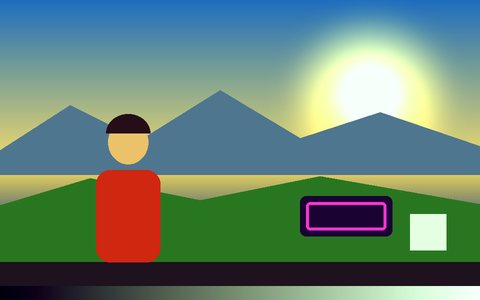
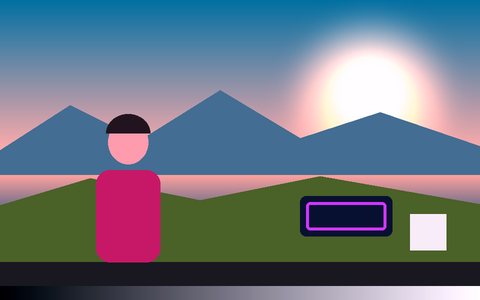
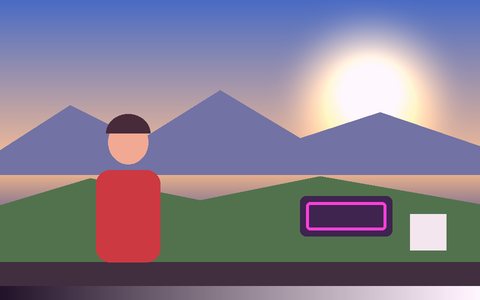
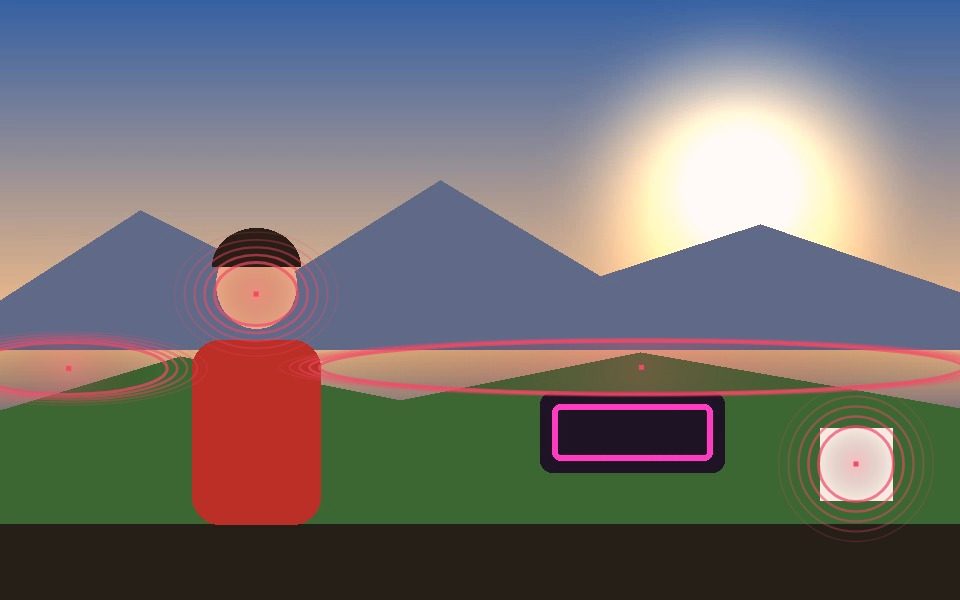
Neon Glow Outline, Thermal Heatmap, VHS Tracking, Glitch Block, Halo Aura, Ripple Rings, Scanline Radar, and more — all driven live by whatever the camera or video is tracking.
One-click Pro Presets
Cyber Neon, Thermal FLIR, Retro VHS, Constellation, Audio Pulse, Indie Film, and Blueprint bundle a coordinated mode/color/line/post-fx combo into a single click — a fast starting point for a set.
Post-processing FX layer
CRT scanlines, ASCII Matrix rain, Cyber Edge Sobel glow, Noir monochrome, and thermal heatmap post-fx render over the whole frame, on top of the tracked overlays.
Record the set, not just watch it
Real-time recording captures the full composited visual output — useful for a demo reel or an as-live capture of a set.
Runs on a laptop, no dedicated VJ rig needed
Everything renders via Canvas/WebGL in a browser tab — no external visuals software, no video interface, no separate render machine.
Frequently Asked Questions
Can visuals react to music in real time?
Yes — Enable Audio Sync runs a live FFT frequency analysis on either the loaded video’s audio track or a microphone input, and modulates visual intensity/pulse off it in real time.
What’s the fastest way to get a good-looking VJ visual going?
Click one of the Pro Presets (Cyber Neon, Thermal FLIR, Audio Pulse, etc.) — each sets a coordinated mode, color, line style, and post-fx combination in a single click, then fine-tune from there.
Can I record the visuals for later, not just perform live?
Yes — Record captures the exact composited output (tracking overlays + post-fx) as a WebM or MP4 video file.
Does this need a webcam, or can I use pre-recorded footage?
Either — a live webcam feed and an uploaded video file both run through the identical tracking and visual pipeline.
Is this just an audio visualizer, like a waveform or spectrum tool?
No — the visuals are generated from real object, motion, and blob tracking on the video or webcam feed itself, with audio reactivity layered on top. It's a tracking-driven VJ tool that also responds to music, not a music-only visualizer with no camera input.