Why Indie Film Noir Effect Works Here
Monochrome noir post-fx
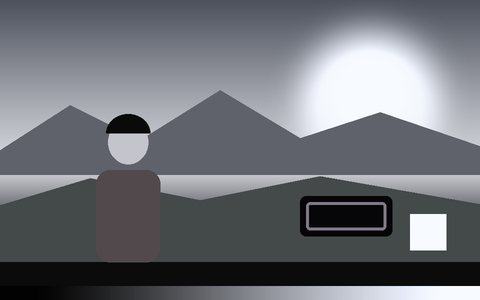
The Noir post-fx strips color from the whole frame, not just the tracking overlay, for a genuine black-and-white film look rather than a color video with a filter on top.
Real object detection, labelled
Indie uses Object mode's 80+ class detector, so labels read as actual identified objects — closer to a surveillance dossier than decorative shapes.
Typewriter-style font
Labels render in Courier Prime, a monospaced typewriter face, matching an old case-file or interlinked-network aesthetic rather than a modern UI font.
Interlinked overlay style
The Interlinked visual style connects related detections with fine lines — evokes a detective's string board or an evidence map.
Works on webcam or archival-style footage
Live webcam for an instant surveillance-shot look, or process any uploaded clip the same way.
Record a finished clip
Record exports the full noir-styled composite as WebM or MP4, ready to drop into an edit.
Frequently Asked Questions
How do I get the noir look specifically?
Click the Indie Film preset — it sets Object mode, the Interlinked visual style, a typewriter font, and the Noir monochrome post-fx in one click.
Is this real object detection or just a filter?
It's real — Indie uses the same 80+ class object detector as Object Detection mode, so the labels correspond to actually identified objects, styled in monochrome.
Can I use it on old or archival-style footage?
Yes — upload any video file and the same detection-and-noir pipeline runs over it, frame by frame.
Can I change the labels or font?
Yes — Label Style, Label Position, and Font Family are all adjustable in the sidebar if you want a different look than the preset default.
Is it free to use?
Yes — free, runs locally in your browser, no signup or server upload.