Why Ghost Trail Effect Works Here
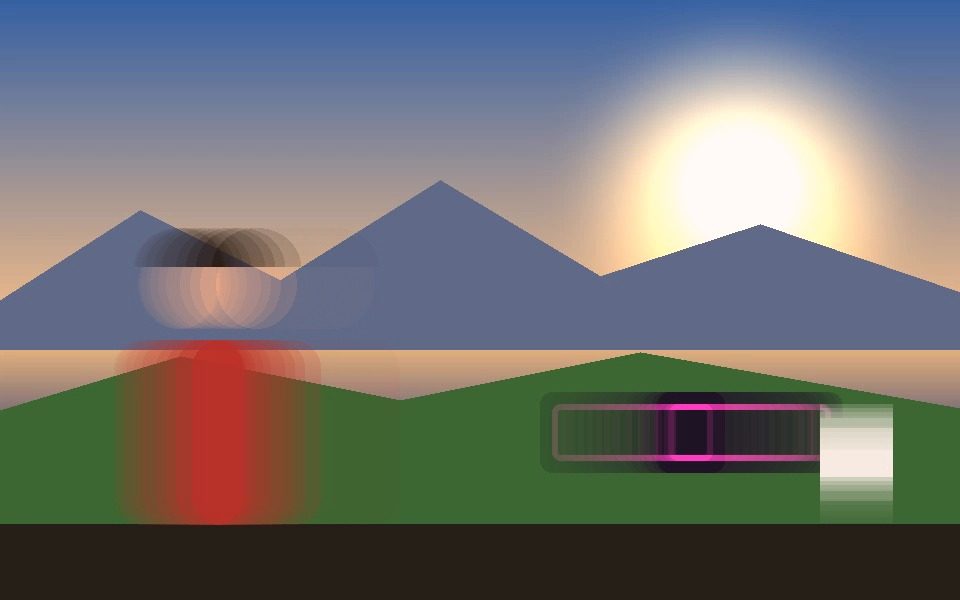
A ghost trail effect blends each new frame with a fading copy of the frames before it, so anything that moves through the shot leaves a translucent afterimage trailing behind — dancers smearing into a blur of motion, a hand leaving a comet-tail as it moves, traffic dissolving into light. Vis Exo renders it live, in your browser, with an adjustable decay so the trail can last anywhere from a quick smear to a long, ghostly persistence.
Real trailing, not a static filter
Every frame blends with the last at an adjustable decay rate, so motion genuinely smears and fades rather than a fixed overlay.
Adjustable decay
Dial how long trails linger — from a quick smear to a long, ghostly persistence — with the Ghost Trail Decay slider.
Works standalone or with tracking
Runs look-only with zero detection overhead, or stack it on Blob, Motion, Object, or Person tracking for trails that follow a specific tracked shape.
Pairs with Light Painting
Combine with Trails (per-object tracked paths) for a full long-exposure light-painting look — see the dedicated guide.
Works on webcam or video
Live from your camera or on an uploaded clip — the same real-time effect either way.
Export it
Record the ghosted output straight to WebM or MP4, at up to 1440p.
Frequently Asked Questions
What is a ghost trail effect?
A ghost trail effect blends each new frame with a faded copy of the previous ones, so anything that moves leaves a smeared, translucent afterimage behind it that dissolves over the next several frames — a real-time, video version of a long-exposure photograph.
Is this ghost trail effect actually free?
Yes — it's free with no signup, watermark, or usage limit.
Can I control how long the trails last?
Yes — the Ghost Trail Decay slider controls how slowly each frame fades, from a quick smear to a long, lingering ghost.
Do I need a tracking mode running for ghost trails to work?
No — it defaults to No Tracking mode, a look-only pass with zero detection overhead. You can also stack it on Blob, Motion, Object, or Person tracking so the trail follows a specific tracked shape.
What's the difference between Ghost Trails and Light Painting?
Ghost Trails alone is a simple global smear across the whole frame. The Light Painting preset combines Ghost Trails with per-object Trails and a slower decay for a true long-exposure look that traces each tracked object's path.