Why the Kodak Gold Look Works Here
Warm, golden colour
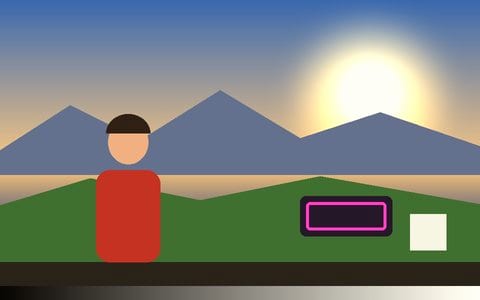
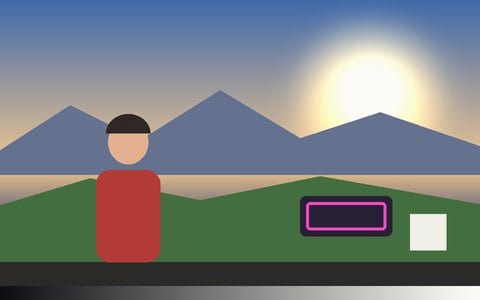
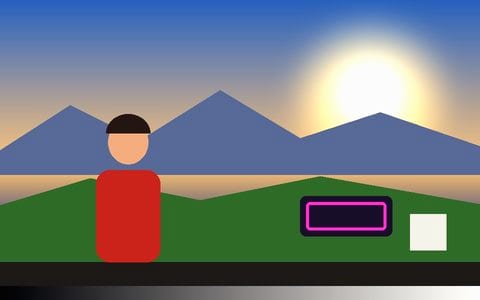
Gold’s look is warmth: a yellow-gold lean in the highlights, saturated but friendly colour and skin that glows. The grade does it without turning everything orange.
Soft consumer grain
Paired with the Kodak Gold 200 grain stock — visible but soft, the texture of a 6×4 print.
Best in sunlight
Beach days, holidays, summer evenings, family photos. For a cooler, greener consumer look try Superia 400.
Add the point-and-shoot details
Turn on the date stamp or the flash for the full compact-camera look, or go all the way to a disposable.
A whole roll in one go
Pick several photos at once: they line up in a strip under the picture, one look applies to all of them, and Export all saves each at up to 2048 px — a ZIP on a computer, the share sheet on a phone so they land in Photos.
Works on video too
The same look runs on any clip or a webcam, and every export — Record (MP4/WebM) and Render Mode — carries it exactly as previewed.
Frequently Asked Questions
What does Kodak Gold look like?
Warm, golden, saturated-but-friendly colour with glowing skin and a soft visible grain — the classic consumer colour-negative look of family photos.
Is this real Kodak Gold?
It is an emulation — the app’s own grade of Gold’s well-known warm colour, with a matching grain stock — not a scan or an official profile. Vis Exo is not affiliated with Kodak; Kodak Gold is their trademark.
Kodak Gold or Portra?
Both are warm Kodak negatives. Gold is the consumer film — more saturated and yellower; Portra is the professional portrait film — softer, finer and more natural on skin. Portra is on the film emulation page.
Can I do a whole roll at once?
Yes. Pick several photos with the Photo button and they line up in a strip under the picture; the look applies to every one, and Export all saves each at up to 2048 px — as a ZIP on a computer, or to your photo library through the share sheet on a phone.
Is it free and private?
Yes — free, no watermark, no signup. Your photos are processed in the browser tab and never uploaded.