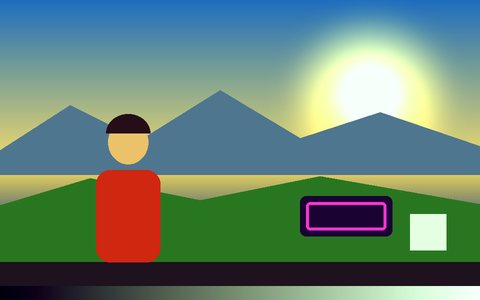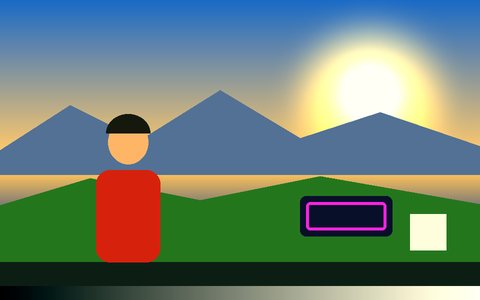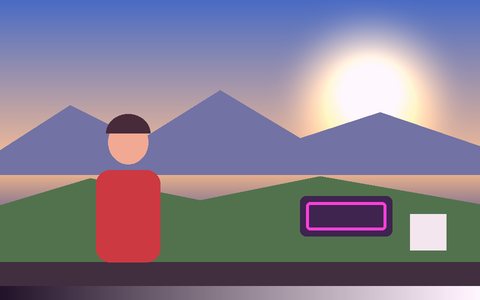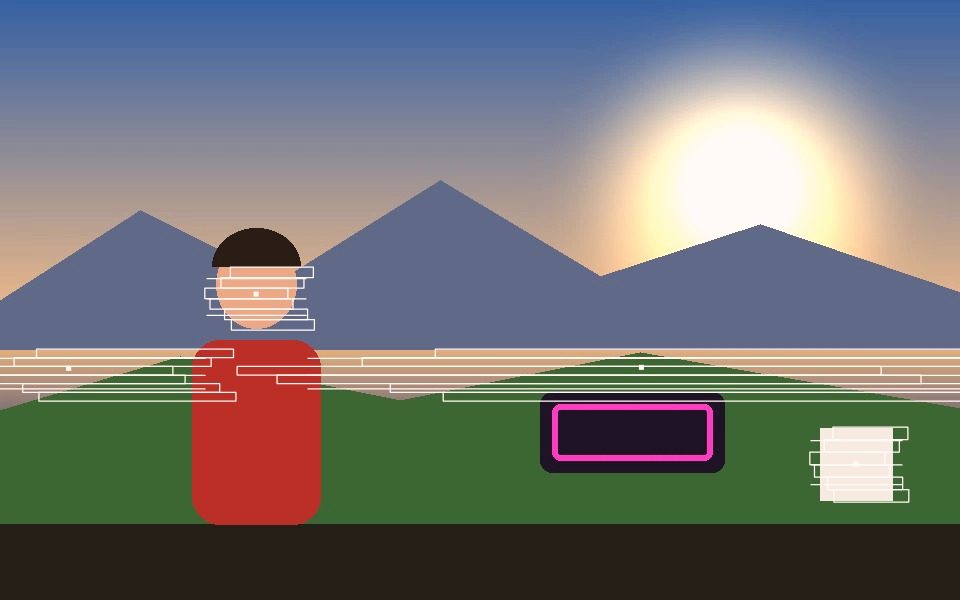
Why Glitch Art Generator Online Works Here
Real-time, not a static filter
Glitch Block renders live off whatever's actually being tracked, frame by frame.
Works on any tracking mode
Blob, Motion, Face, Object, Pose, Person, or Hand — Glitch Block applies to all of them.
Combine with Noise Burst or VHS
Layer with other Artsy styles, or a Post-FX pass, for a heavier degraded-signal look.
Any color
Set Custom Color, or use Color Cycle for a shifting rainbow-glitch effect.
Record the result
Export the glitch effect as a video file, same as any other Visual Style.
Free, no signup
Runs entirely in-browser, nothing to install or upload.
Frequently Asked Questions
What kinds of glitch can it produce?
There is a Glitch visual style for the tracking overlay, a Random Glitch squash mode that jumps the frame to a new stepped distortion at a rate you set, and CRT and VHS looks for scanline and tape artefacts.
Is the glitch random or does it repeat?
Random Glitch holds one value for a full step before jumping to the next, so it stutters rather than shimmers. The Glitch Rate slider sets how many steps per second.
Can I glitch the whole frame, not just the tracked object?
Yes. Squash mode distorts the entire frame, and the post-processing effects apply to everything on the canvas rather than only to detected objects.
Can I make it hit in time with music?
Yes. Snap to Beat drives the distortion from a BPM you set, and Beat Sync drives it from the live audio.
Does the glitch export cleanly?
Yes. Record captures the composited canvas frame by frame, so stepped distortion is captured exactly as rendered rather than smeared.