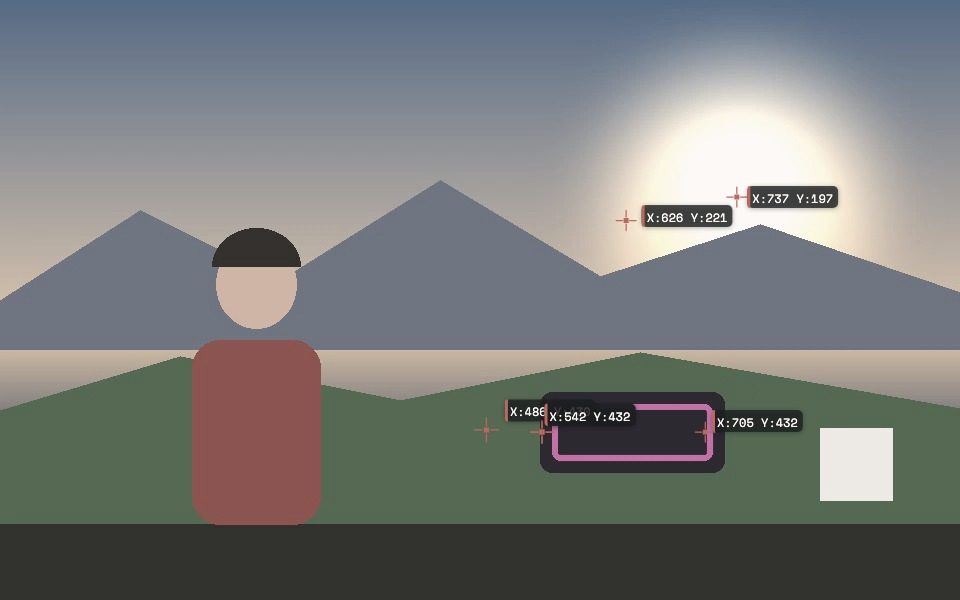
Why Security Camera Demo Works Here
80+ object classes
Detects people, vehicles, animals, bags, and dozens more classes live, each with a confidence score.
Adjustable confidence threshold
Score Threshold tunes how confident the model has to be before flagging a detection — lower for more sensitivity, higher to cut false positives.
Area filtering
Min/Max Area filters out detections that are implausibly tiny or huge for the scene, cutting noise without touching the confidence threshold.
Motion-aware Person Tracking
Person Tracking mode combines object detection with motion analysis, producing an organic outline around a moving person instead of a static box — useful for flagging actual activity, not just presence.
Live telemetry stream
Bounding boxes and coordinates can stream live over OSC/WebSocket, or export as CSV — for wiring a demo into another tool, not just watching the overlay.
Runs entirely on-device
No frame is ever uploaded to a server — every detection runs locally in the browser, relevant for any privacy-sensitive demo or prototype.
Frequently Asked Questions
Is this a real security system?
No — it's a real-time object-detection demo useful for prototyping, presentations, or understanding what browser-based computer vision can do. It has no recording-to-cloud, alerting, or access-control features a production security system would have.
What can it detect?
80+ object classes via the underlying detection model, including people, vehicles, and animals — each shown live with a confidence score.
Can it tell people apart from vehicles or other objects?
Yes — each detection is labeled with its class (e.g. person, car), and Object mode's controls let you filter by confidence and detection area.
Does footage get uploaded anywhere?
No — detection runs entirely in your browser. Nothing is sent to a server, which matters for any privacy-sensitive demo.
Can I export what it detects?
Yes — detection data (positions, classes, confidence) can be exported as CSV or streamed live over OSC/WebSocket, and the composited video can be recorded as WebM/MP4.