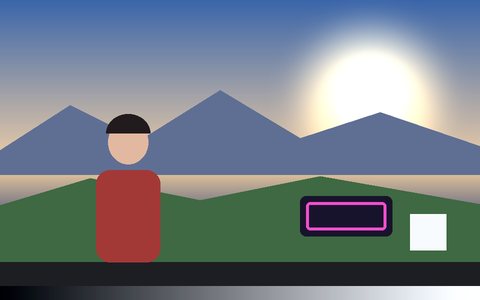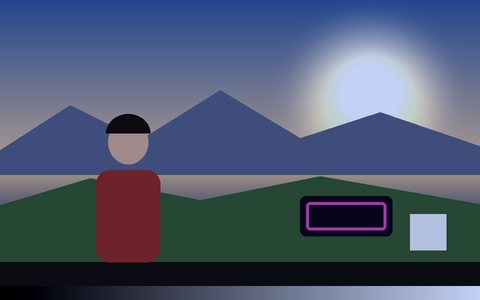
Why X-Ray Effect Works Here
Inverted luminance
Each pixel's brightness is flipped, so shadows turn bright and highlights go dark — the negative look of a radiograph.
Cold blue-cyan tint
The inverted image is tinted toward cyan-blue, weighted so the brightest areas read almost white.
Silhouettes pop
Dark clothing and backgrounds turn luminous, so people and objects stand out sharply.
Add a tracked skeleton
Switch to Pose mode and the tracked skeleton is drawn into the scan for a mock see-through look — a visual effect, not a medical image.
Light on phones
A single pass per frame with no blur or distortion, so it stays smooth on mobile.
Record it
Export MP4 or WebM, or save a PNG.
Frequently Asked Questions
Is this a real x-ray?
No — it's a visual filter that inverts and tints the image. It can't see through anything.
How do I get an x-ray skeleton look?
Use the X-Ray filter, then switch to Pose mode so a tracked skeleton is drawn over the person — the lines are inverted into the scan along with the frame.
Does it work on a webcam?
Yes — choose Camera and the effect runs live.
Can I record the x-ray video?
Yes — Record saves it as MP4 or WebM.
Is it free?
Yes — free, no signup, and it runs in your browser.