

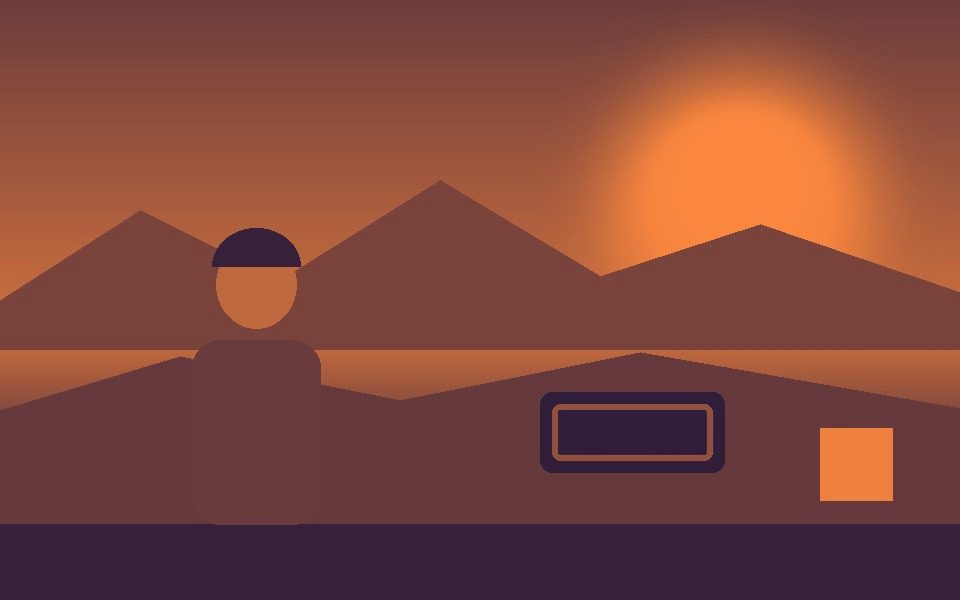
Why Duotone Effect Works Here
A true luminance ramp
Each pixel's brightness picks its spot on a straight blend between the two colors, so it reads as a deliberate graphic grade rather than a tinted black-and-white.
Indigo to coral
A dark-to-warm complementary pair that holds up on faces, skylines and fast motion alike.
Shape it with Color Adjustments
Duotone runs on brightness, and Lift, Gamma and Gain are applied before it — raise Gamma to push more of the frame into coral, lower it for more indigo.
Tracking outlines match
Tracking overlays are drawn before the filter, so outlines and labels are recolored into the same two inks.
Light on phones
A single pass over the frame with no blur or distortion, so it stays smooth even at higher resolutions.
Export the look
Record to MP4 or WebM, or save a PNG screenshot of any frame.
Frequently Asked Questions
What is a duotone effect?
Duotone renders an image in just two colors — one for the darks and one for the lights — with the midtones blended between them.
Can I change the two colors?
The filter uses a fixed indigo-to-coral pair. To change how the frame falls between them, use Lift, Gamma and Gain in Color Adjustments, which run before the filter.
Does it work on a live webcam?
Yes — choose Camera as the source and the duotone renders live.
Can I add tracking to the duotone look?
Yes — switch to Blob, Motion or any other tracking mode; the outlines are drawn first and recolored along with the video.
Is it free?
Yes — free, no signup, and it runs locally in your browser.



