

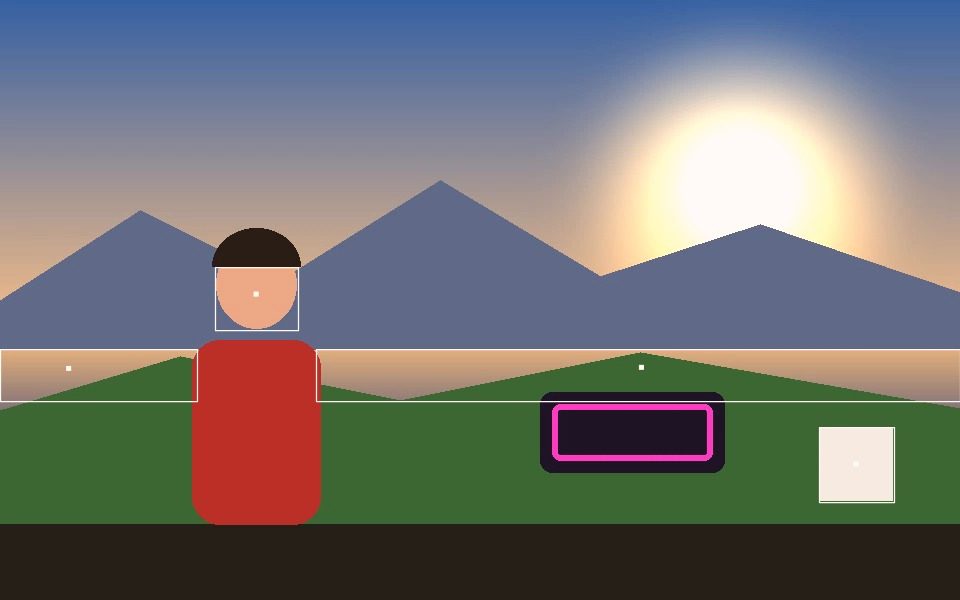
Why Live Streaming Overlay Effects Works Here
Runs live, low-latency
Real-time canvas-based rendering, not a rendered/queued effect — suitable for a live feed.
HUD overlay for on-screen stats
An optional heads-up display shows FPS, object count, speed, and tracked area directly on the canvas.
Wide style range
From minimal (Bounding Box, Crosshair) to maximal (Neon Glow, Interlinked, Post-FX passes) depending on the mood of your stream.
Mirror Video toggle
Flip the feed horizontally to match a natural mirrored webcam view if needed.
Adjustable performance
Resolution and model-accuracy settings let you trade tracking quality for frame rate on lower-powered hardware.
Free, runs locally
No server round-trip — everything renders directly in the browser tab you'd capture from.
Frequently Asked Questions
Does it plug into OBS or Streamlabs?
There is no plugin. It runs as a web page, so you bring it into a stream by capturing the browser window or tab as a source in your streaming software.
Can I get a transparent overlay out of it?
No — the output is a composited video frame, not an alpha channel. For a keyed look, use a plain background and your streaming software's own chroma key, or use Silhouette style for a high-contrast shape.
Will it slow my stream down?
It uses your GPU and CPU like any other browser page. Lower the Resolution setting or pick a lighter mode if you are already encoding at high bitrate on the same machine.
Which modes work best on camera?
Face and Pose track a presenter reliably, and Hand suits reaction overlays. Blob and Motion are better for a busy scene than a single seated person.
Can I switch looks mid-stream?
Yes. Presets load instantly, and the quick style bar changes mode, colour and effects without opening the settings panel.



