Why Film Emulation Works Here
Eight film grades
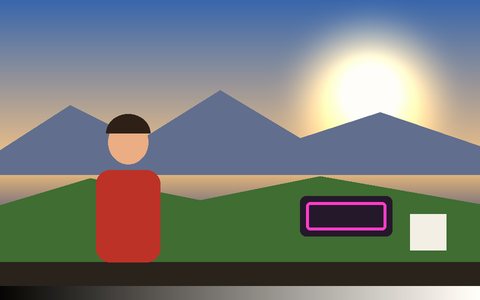
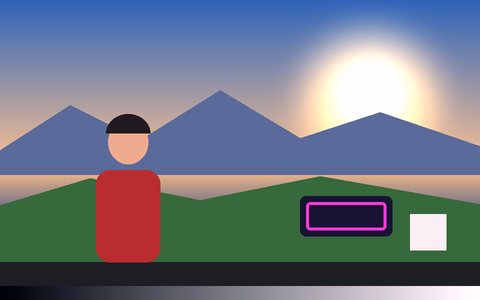
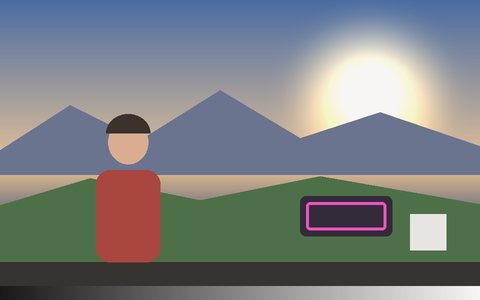
Kodak colour negative, Portra soft, CineStill 800T tungsten without correction, bleach bypass, cross process, three-strip Technicolor, faded Super 8 reversal and a Polaroid fade — each a real three-way grade with its own shadow, midtone and highlight colour, not one flat tint.
Seventeen grain stocks
The grade goes on the picture; the grain goes in it. 65mm and 50D through 500T, Super 16 and 16mm reversal to Super 8, regular 8mm, HP5, Tri-X and Delta 3200 — sized to the frame, so a 4K export matches the preview.
Halation where the stock had it
CineStill 800T and 16mm reversal throw the red-orange glow a film without an anti-halation layer puts round every light.
Push and pull
Push one to three stops for bigger, harsher grain, or pull for finer and flatter — the way a lab would.
Gate weave, flicker and dust
The film wanders in the gate, density flickers frame to frame, and a print picks up dust, hair and scratches.
Stacks with everything
Layer a film emulation under any tracking effect — neon outlines, a pose skeleton, ghost trails — or over another cinematic LUT.
Frequently Asked Questions
Is this real film emulation or a filter?
It is two things together: a three-way colour grade per stock (shadows, midtones, highlights) plus grain generated per frame from that stock’s own grain size, colour and response. A single tint can’t reproduce either.
Which stock should I pick?
Portra for portraits and warm daylight, CineStill 800T for night and neon, bleach bypass for war and desaturated drama, cross process for saturated music-video colour, Super 8 faded for home-movie nostalgia.
Can I use my own .cube LUT with it?
Yes — the same panel imports any 3D or 1D .cube file from Resolve, Premiere or a LUT pack, and it is parsed locally. See the color grading guide.
Does grain survive export?
Yes. Both the grade and the grain are drawn into the frame, so Record (MP4/WebM), screenshots and Render Mode exports all carry them exactly as previewed.
Is it free and private?
Yes — free, no signup, and your footage never leaves the browser tab.