Why Kaleidoscope Effect Works Here
Six-fold mirror symmetry
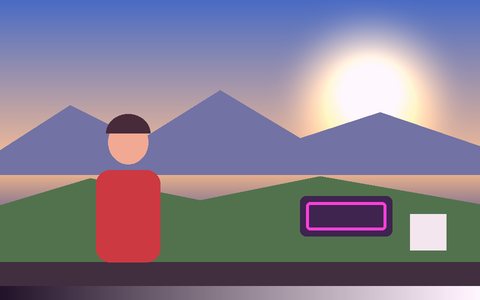
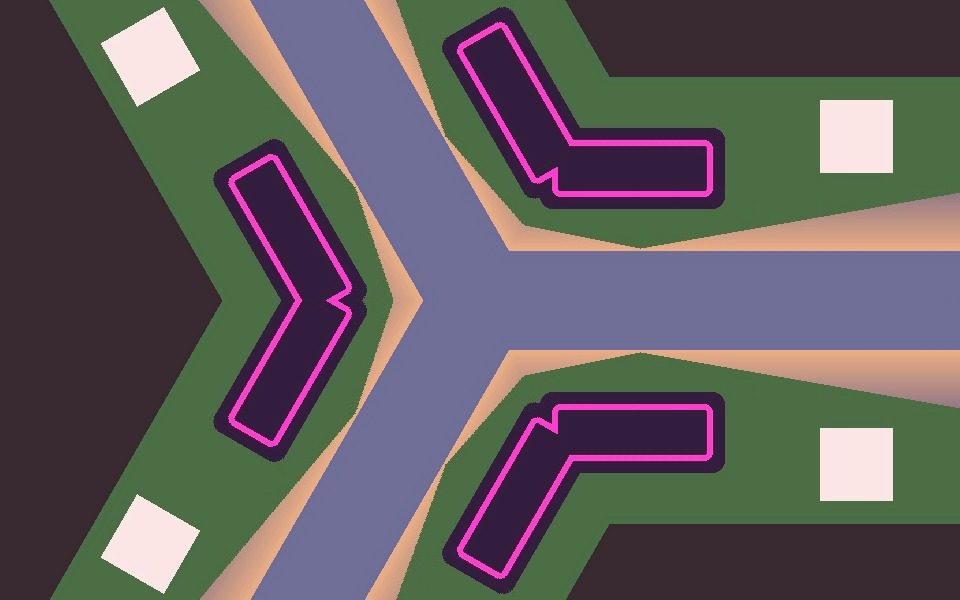
Every angle is folded into one base wedge, and alternate wedges are mirrored so the copies meet edge-to-edge without seams.
Movement becomes pattern
Anything moving in the frame repeats six times around the center, turning simple motion into a shifting mandala.
Vaporwave grade in the preset
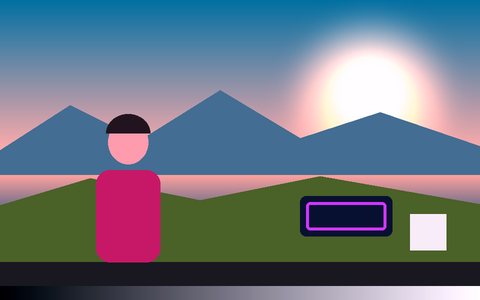
The preset adds the Vaporwave cinematic LUT at 55% for pastel pink-and-cyan color.
Built for VJ sets
Pair it with Audio Reactive and Ghost Trails for visuals that pulse and smear to music — see the VJ visuals guide.
Heavier than color filters
The mirror remap runs on every pixel, so lower Resolution on slower devices.
Record loops
Export MP4 or WebM to use as a background loop.
Frequently Asked Questions
How do I make a kaleidoscope video?
Open the Kaleidoscope preset, then load a video or choose Camera. The six-way mirror applies to every frame.
Can I change the number of mirror segments?
The kaleidoscope uses six segments. Moving the camera or your subject changes the pattern the most.
Can I use it for VJ visuals?
Yes — combine it with Audio Reactive and Ghost Trails, then Record a loop or run it live full screen.
Does it work on phones?
Yes, though the mirror remap is heavier than simple filters; a lower Resolution setting helps.
Is it free?
Yes — free, no signup, and it runs in your browser.