Why DJ Visualizer Webcam Online Works Here
Reacts to real audio, live
Frequency-band analysis (bass/mid/vocals/treble) drives visible pulsing on tracked shapes, not a canned animation.
Combine with any tracking mode
Blob, Motion, Object, Pose, Person, or Hand — audio-reactivity layers onto whichever mode you're using.
VJ-oriented Visual Styles
Neon Glow Outline, Interlinked variants, Scanline Radar, and Post-FX passes like CRT or Matrix Rain suit a live-visuals set well.
Constellation mode for a particle-field look
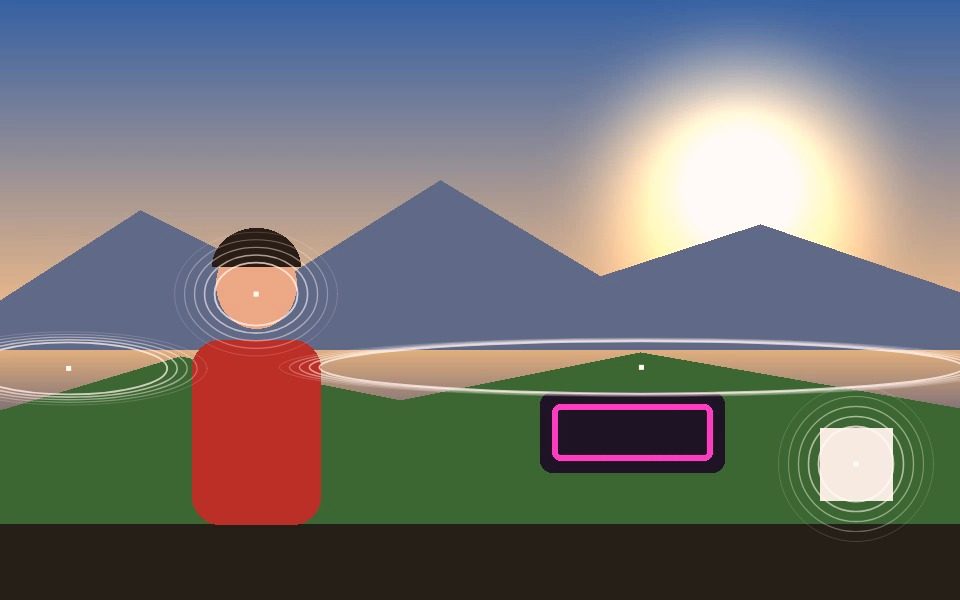
A separate proximity-linking effect connects nearby tracked points into a shifting constellation.
Record clips for your reel
Export segments as video files to build a highlight reel from a live session.
Runs on a laptop, live
No render farm — this runs in real time in a browser tab, suitable for driving a projector feed.
Frequently Asked Questions
Does it actually react to the music?
Yes. Audio Reactive analyses the incoming audio and drives the visuals from the bass band, so the effect moves with the track rather than on a fixed timer.
Can I lock the effect to the beat instead?
Yes. Squash mode has Snap to Beat, where you dial in the BPM and the frame hits on each beat with a spring-loaded release, and Beat Sync, which follows the live audio instead of a set tempo.
Can I run it on a projector or second screen?
It runs in a browser window, so put that window on the projector or second display full-screen. There is no separate output module.
Which looks suit a club visual best?
Neon Outline, Hologram and the Interlinked line styles read well at distance, and the Neon Dreams LUT pushes a synthwave grade. Trails and Ghost Trails add persistence so movement leaves a streak.
Can I save a set as a preset?
Yes. Save Preset writes your look to a file you can reload later, and you can publish it to Community Presets to share it with a link.