Why These Filters Look Right
Graded, not tinted
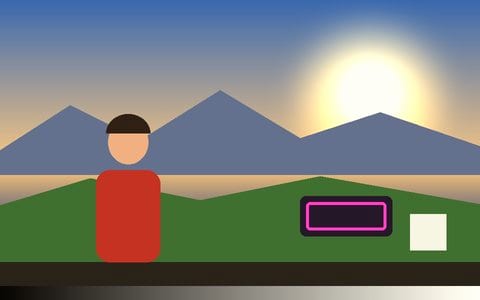
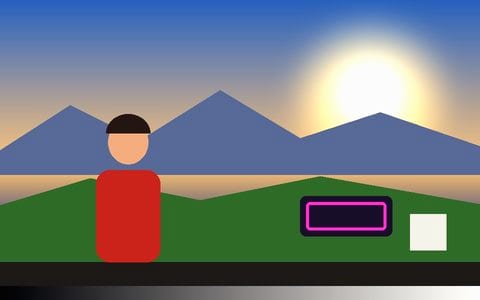
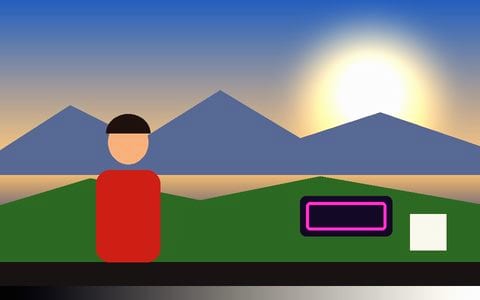
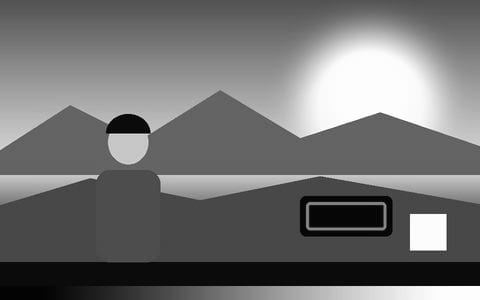
Each filter is a full colour grade — separate shadow, midtone and highlight colour, a filmic curve, and colour that shifts by hue — with skin held close to skin. Not a coloured layer laid over the picture.
Previewed on your photo
The tiles are drawn from the photo you opened, through exactly the grade the app applies, so a filter that suits a beach may not suit a portrait — and you can see that before you tap.
Strength you control
Every filter runs from a hint to the full look on the Strength slider. Add grain, a vignette or a date stamp on top.
More film stocks
Each stock has its own guide: Kodak Gold, Ektar, Pro 400H, Kodachrome and Tri-X.
Private by design
Your photo never leaves the browser tab — no upload, no account, no watermark on what you save.
Full-size saves
Save photo re-renders every edit at the photo’s own resolution, as PNG, JPEG or WebP, or copies it straight to the clipboard.
Frequently Asked Questions
Which filters are there?
Original, Gold, Portra, Vivid (Ektar), Fuji, Daylight (CineStill 50D), Kodachrome, Golden, Teal & orange, Moody, Polaroid, Faded, Bleach, Vapor, Neon noir, Sepia, B&W and Hard B&W — and over sixty more looks in the full Colour section.
Are these real film profiles?
They are the app’s own emulations of each film’s well-known character, not official profiles. Vis Exo is not affiliated with Kodak, Fujifilm or Ilford.
Can I use my own LUT?
Yes — Import .cube LUT in the Colour section loads any .cube file from Resolve, Premiere or a LUT pack, on this device.
Is it free? Is there a watermark?
Free, no watermark, no signup, no limit on how many photos you edit.
Are my photos uploaded?
No. The photo is opened and edited inside the browser tab on your own device, and the file you save is made there too. Nothing is sent to a server.
Will it lower the resolution?
No. Save photo renders the finished edit at the photo’s own full size (or the preview size, if you pick it), as PNG, JPEG or WebP.