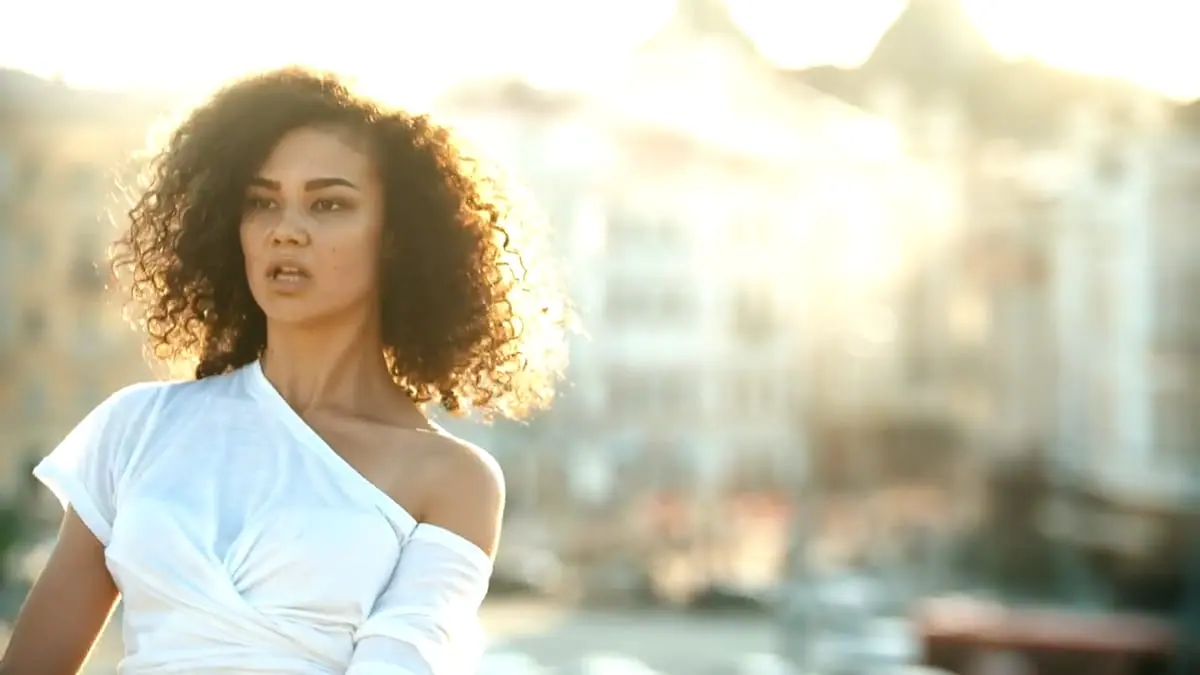
Why the Portra 160 Look Works Here
Pale, flat and creamy
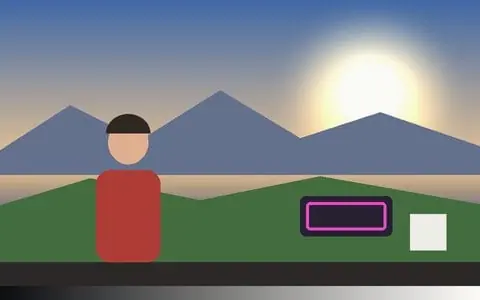
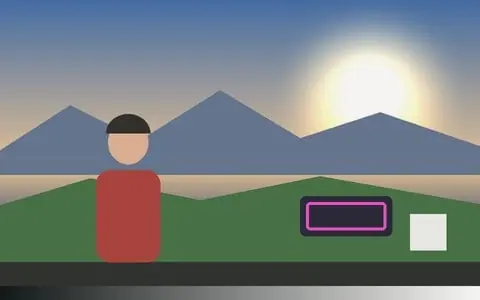
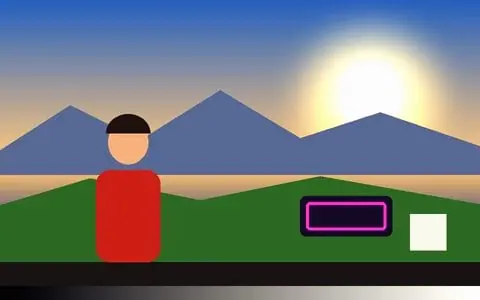
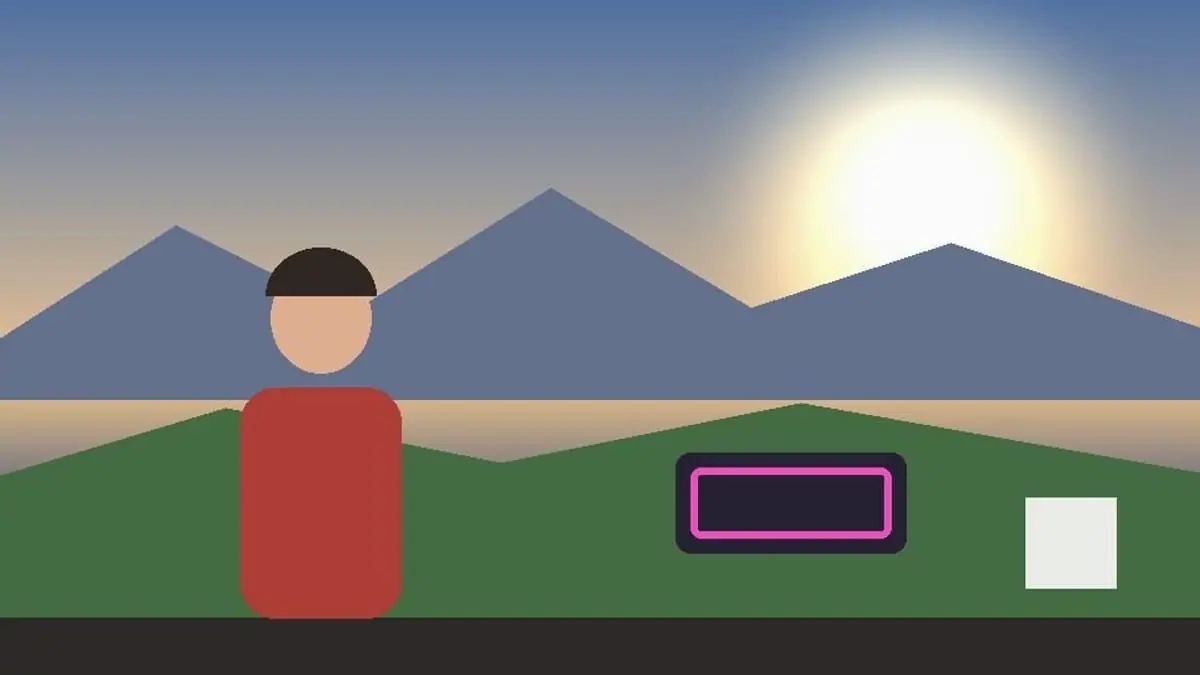
Lifted shadows, low contrast and reduced saturation give a gentle, pastel picture with almost neutral highlights. It is cooler and paler than the warmer 400 and 800 Portras.
Soft, fine grain
Paired with the Portra 400 grain stock at a moderate amount: fine and soft, enough to feel like film without any grit.
Best for portraits and slow scenes
Faces in soft light, weddings, fashion, quiet interiors and anywhere you want the picture to sit back. For the airier, greener wedding look try Pro 400H.
Set how strong it is
The LUT strength slider runs the grade from a hint to the full stock, and keyframes can fade it in or change it mid-clip, frame-accurately in every export.
Video and photos
Use it on a clip or a webcam — or pick a photo, or several, with the Photo button: the same look goes on every photo and Export all saves each one at up to 2048 px.
Drawn into the frame
The grade and the grain are rendered into the picture, so Record (MP4/WebM), Render Mode and saved photos carry the look exactly as previewed.
Frequently Asked Questions
What does Portra 160 look like?
Pale pastel colour, low contrast, soft neutral highlights and creamy skin, with fine grain.
Portra 160 or Pro 400H?
Both are soft portrait looks. Portra 160 is neutral and creamy; Pro 400H is cooler, with minty greens and a brighter, more overexposed feel.
Is this real Portra 160?
It is an emulation: the app’s own grade of Portra 160’s well-known colour and contrast, paired with a matching grain stock — not a scan of the film or an official profile. Vis Exo is not affiliated with Kodak; Kodak Portra 160 is their trademark.
Does it work on photos as well as video?
Yes. Pick one photo or several with the Photo button; the look applies to all of them, and Export all saves each one at up to 2048 px — as a ZIP on a computer, or to your photos through the share sheet on a phone.
Is it free and private?
Yes — free, no watermark, no signup, and your footage and photos never leave the browser tab.