Why the Delta 3200 Look Works Here
Pushed and harsh
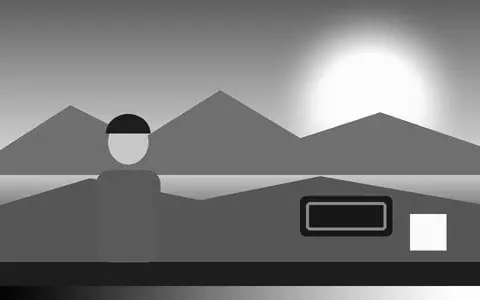
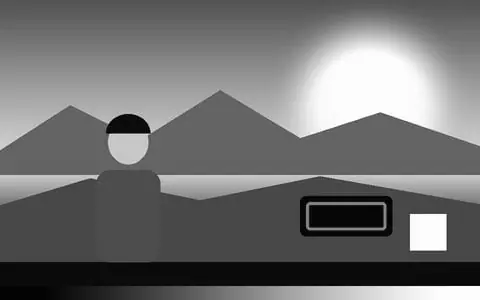
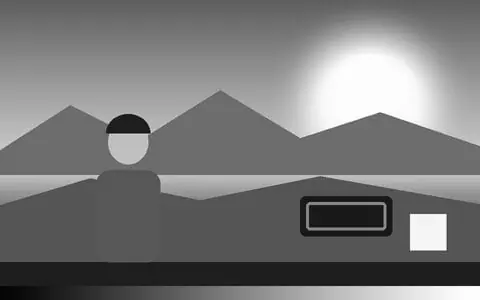
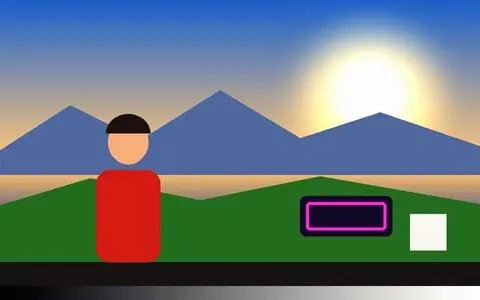
A genuinely neutral black-and-white conversion with grey lifted blacks and a steep, rough mid-tone curve, filtered so skin goes a little darker and foliage lighter, as with a green filter.
Huge, gritty grain
Paired with the B&W 3200 grain stock at a strong amount: coarse, obvious and different on every frame. It is the main event of this look.
Best for night, gigs and grit
Concerts, night streets, club footage, low light and anything that should feel raw. For cleaner contrast try Tri-X; for softer greys HP5.
Set how strong it is
The LUT strength slider runs the grade from a hint to the full stock, and keyframes can fade it in or change it mid-clip, frame-accurately in every export.
Video and photos
Use it on a clip or a webcam — or pick a photo, or several, with the Photo button: the same look goes on every photo and Export all saves each one at up to 2048 px.
Drawn into the frame
The grade and the grain are rendered into the picture, so Record (MP4/WebM), Render Mode and saved photos carry the look exactly as previewed.
Frequently Asked Questions
What does Delta 3200 look like?
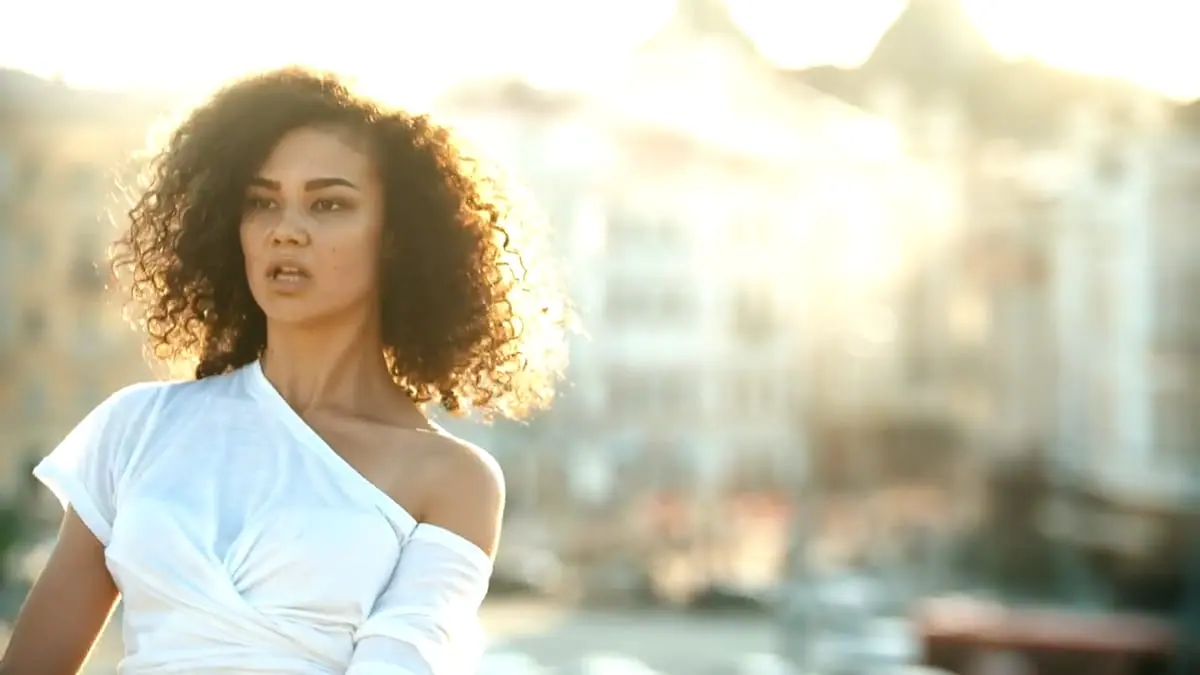
Rough black and white with lifted grey blacks, harsh mid-tones, bright highlights and large, visible grain.
Delta 3200 or Tri-X?
Tri-X has deep blacks and punch; Delta 3200 has lifted blacks, a harsher mid-tone and far heavier grain.
Is this real Delta 3200?
It is an emulation: the app’s own grade of Delta 3200’s well-known colour and contrast, paired with a matching grain stock — not a scan of the film or an official profile. Vis Exo is not affiliated with Ilford; Ilford Delta 3200 is their trademark.
Does it work on photos as well as video?
Yes. Pick one photo or several with the Photo button; the look applies to all of them, and Export all saves each one at up to 2048 px — as a ZIP on a computer, or to your photos through the share sheet on a phone.
Is it free and private?
Yes — free, no watermark, no signup, and your footage and photos never leave the browser tab.